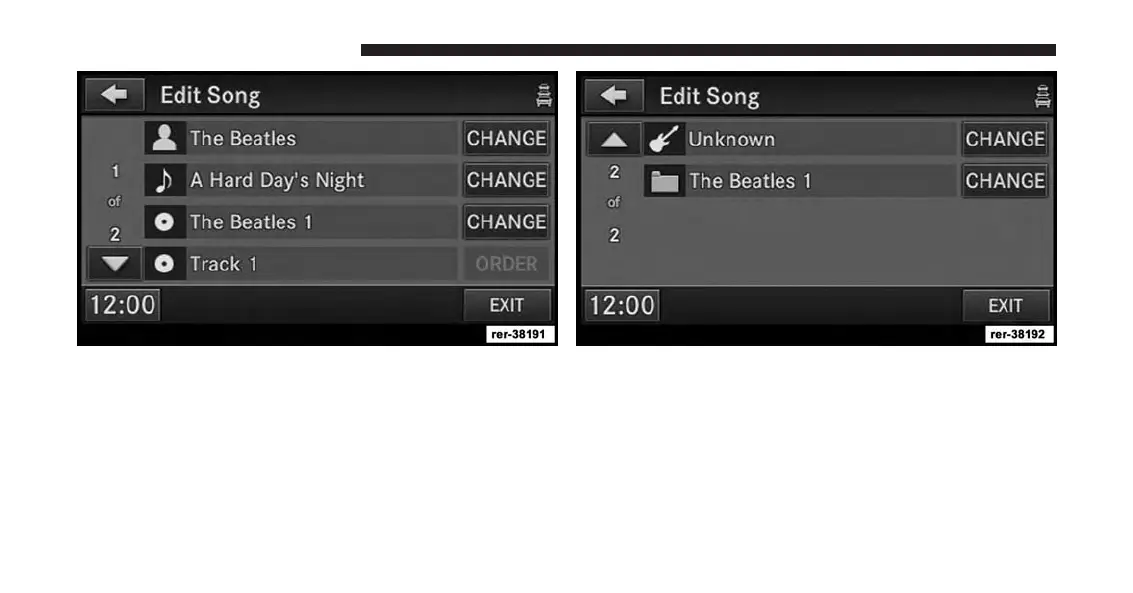
2. The song information is displayed and can be edited.
You may change the artist, the name, the album, the
track order, the genre, and the folder.
3. For this example scroll down to the last entry and
touch the CHANGE soft-key for the folder name.
86 Uconnect® Multimedia (MEDIA)



 To Next Page