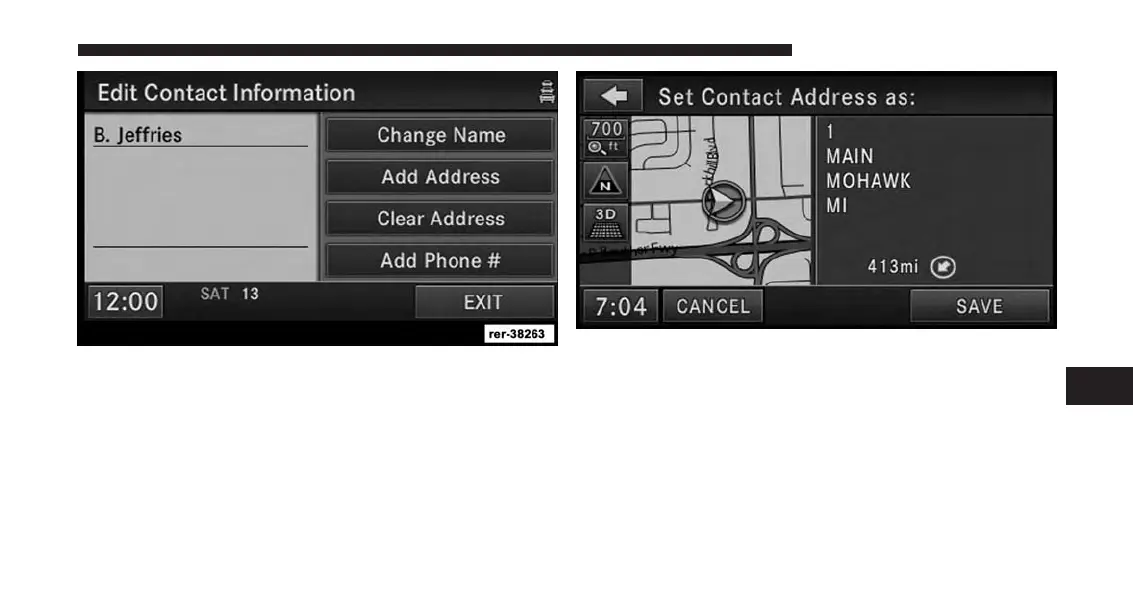
In this example, we need to add an address to the contact.
9. Press Add Address and enter a destination (refer to
Destination Input section in this manual).
10. Once the destination is entered, touch the SAVE
soft-key to confirm the address.
7
Uconnect® GPS Navigation 211



 To Next Page