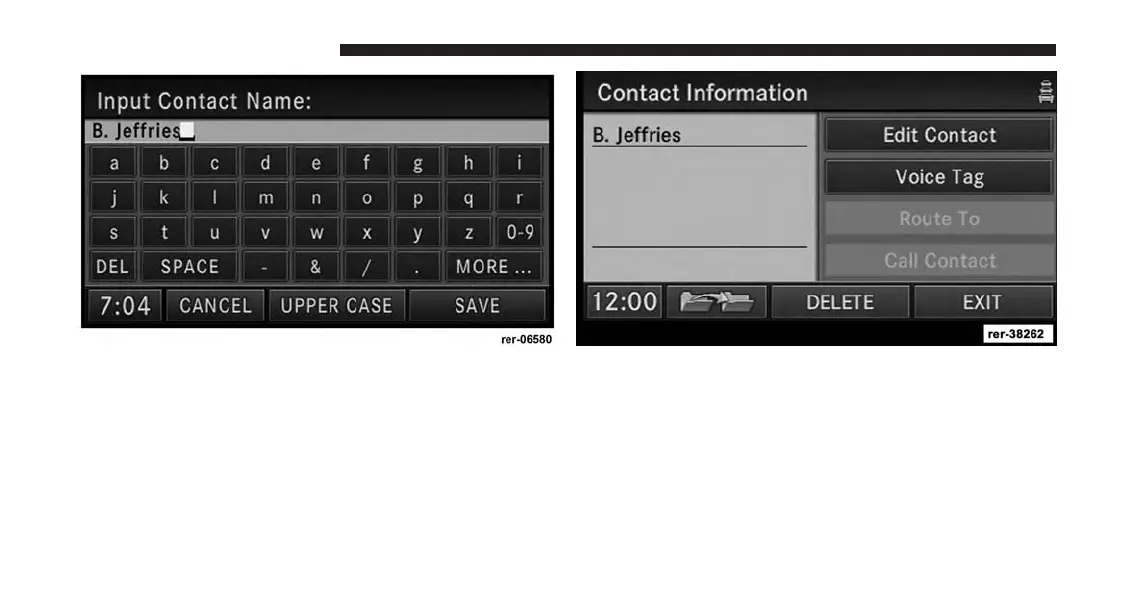
7. Enter a name for your new contact.
8. Press the SAVE soft-key to display the Contact Infor-
mation menu.
You may now edit the contact information. Add a voice
tag for the voice recognition or touch the Edit Contact
soft-key to add more information to the entry.
Touch the DELETE soft-key to delete the contact.
210 Uconnect® GPS Navigation



 To Next Page