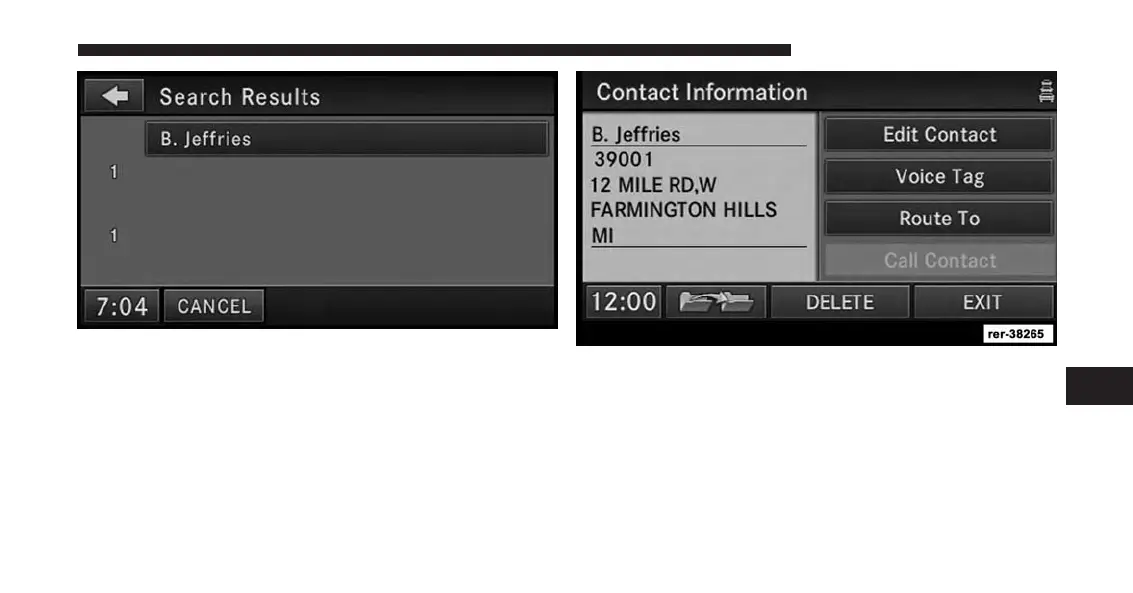
4. Touch the B. Jeffries soft-key from the results list to
select the contact.
5. Once the contact information is displayed, touch the
Route To soft-key to start route guidance to the
contacts address, or touch Call Contact if a valid
phone was entered and a telephone is connected to the
navigation radio.
7
Uconnect® GPS Navigation 213



 To Next Page