NOTE:
USB devices (e.g., camera memory USB adaptors, etc.)
must comply with the MSD (Mass Storage Device)
standard. This USB terminal can provide power to the
inserted device. The device’s current limitation must be
less or equal to 1A.
1. Insert either a CD or a USB device containing your
pictures.
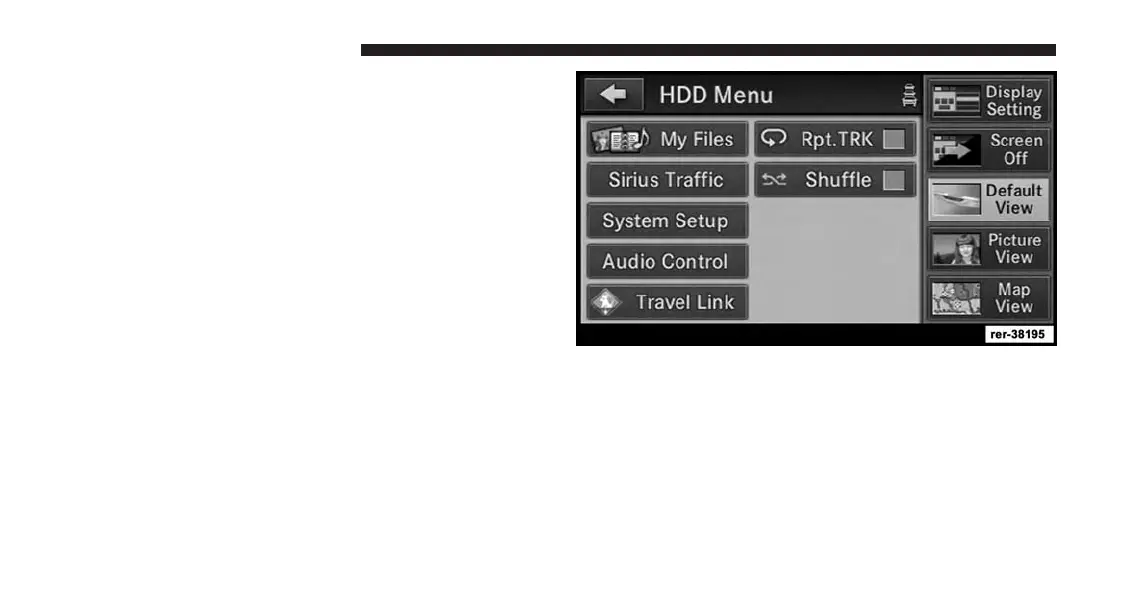
2. Touch the My Files soft-key to go to the Manage My
Files screen.
92 Uconnect® Multimedia (MEDIA)



 To Next Page