5. Once the street name has been input, touch continue to
confirm.
6. Enter the house number into the next screen. If more
than one city has this address, you will then need to
select your city from a list.
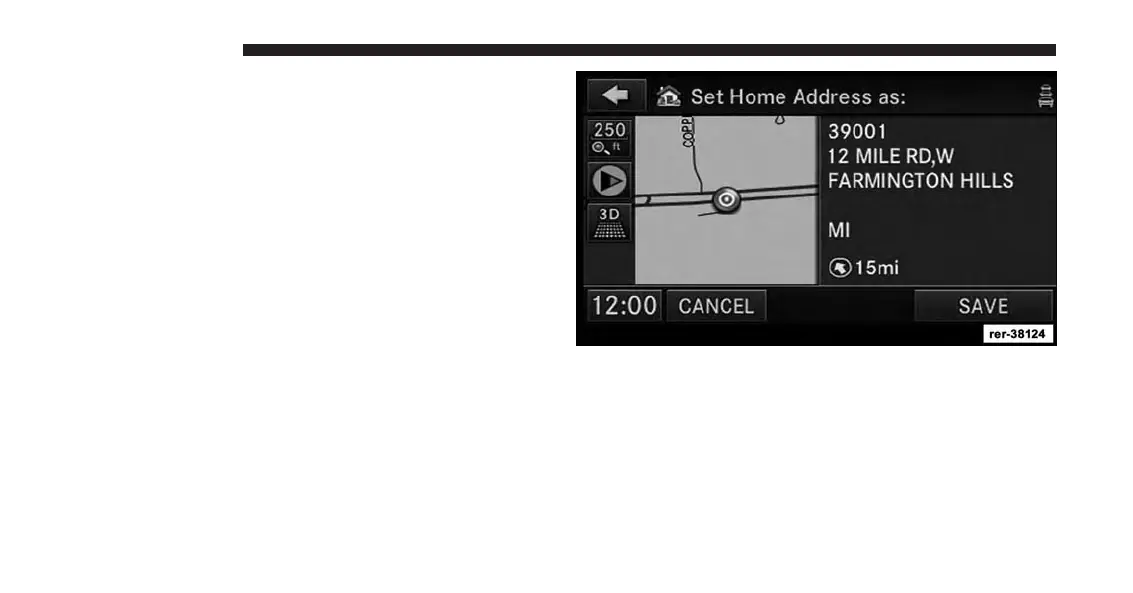
Once the address is entered completely, the system shows
a map of your home address area.
7. Touch the SAVE soft-key to confirm the address.
After you have entered your home address, the system
will start a route guidance to your home every time you
press the Guide Me Home soft-key.
26 INTRODUCTION



 To Next Page