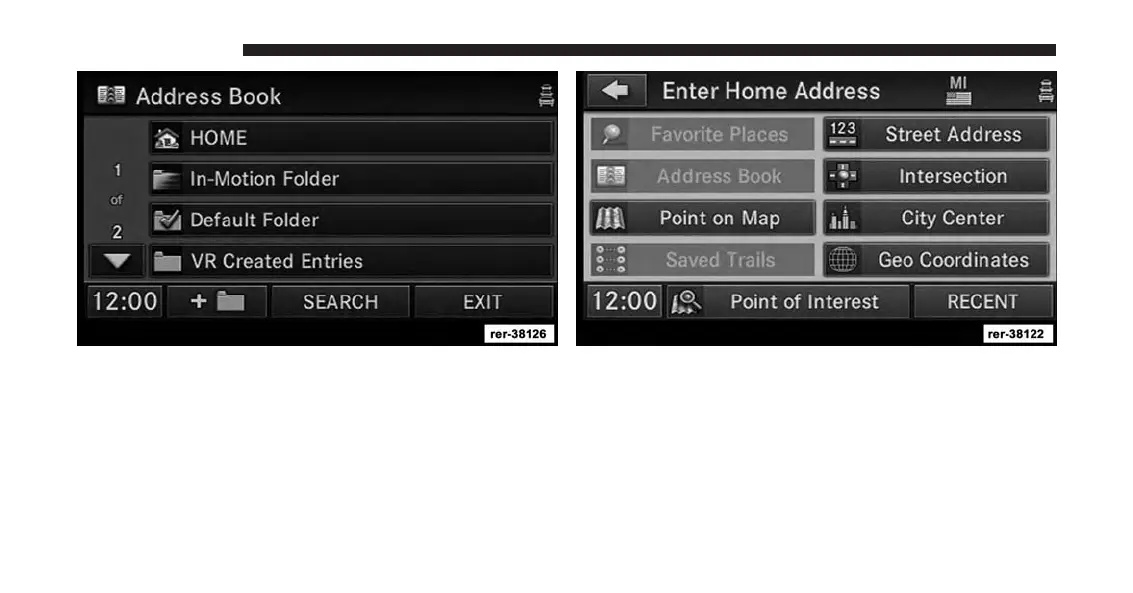
4. Touch the Home soft-key.
5. Touch the Edit Contact soft-key.
6. Touch the Change Address soft-key.
7. Touch the soft-key with your state’s name and enter
your street name into the speller.
NOTE:
•
If the State or Country needs to be changed, touch
the appropriate soft-key to edit the setting.
28 INTRODUCTION



 To Next Page