Touch the 150 mi, 50 mi, or 15 mi soft-key to
zoom into the desired area of the map. A lighter
soft-key color indicates a selected zoom level.
The initial map is centered at the vehicle location.
Touch the center soft-key to re-center the map
at the vehicle location.
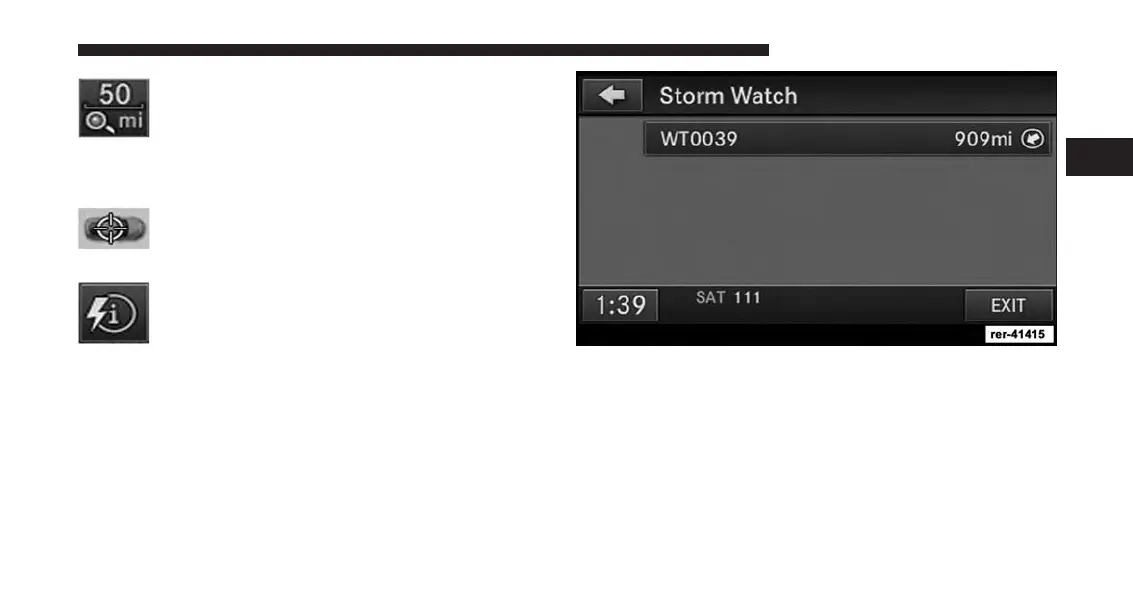
Touch the weather info soft-key to display
issued weather warnings and details.
Touch the soft-key with the storm name to access more
detailed information.
2
Uconnect® Multimedia (RADIO) 49



 To Next Page