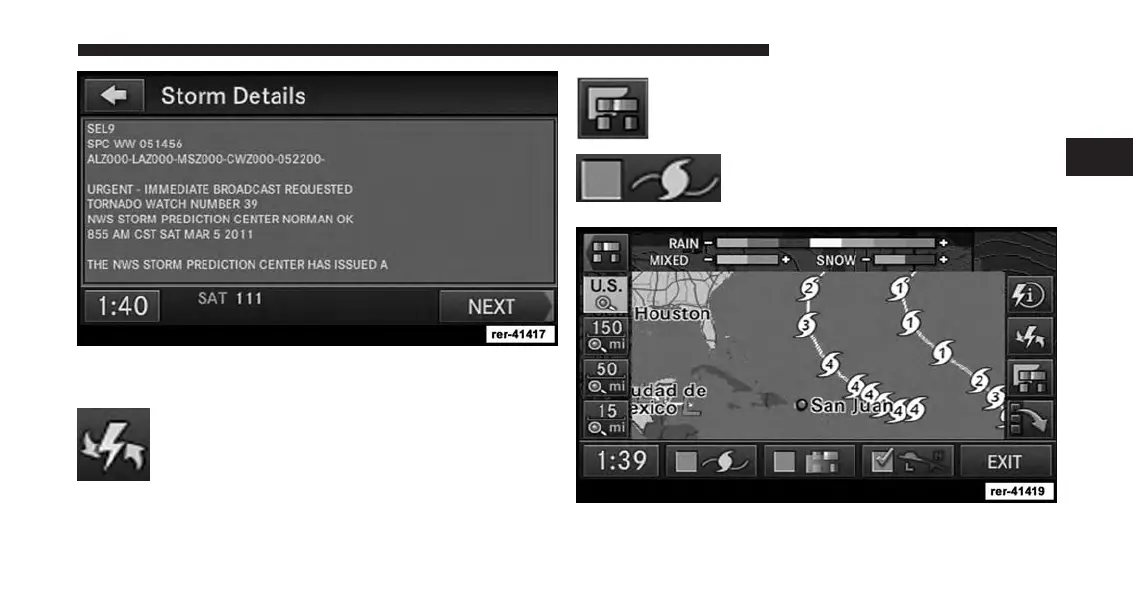
Touch the NEXT and PREV soft-key to page through the
entire message.
Touch the weather updates button to check for
the time of the last weather data update.
Touch the dim soft-key to dim or highlight the
radar map color chart.
Select the storm soft-key to display
rotating storm systems, such as hurri-
canes, tornados, etc.
2
Uconnect® Multimedia (RADIO) 51



 To Next Page