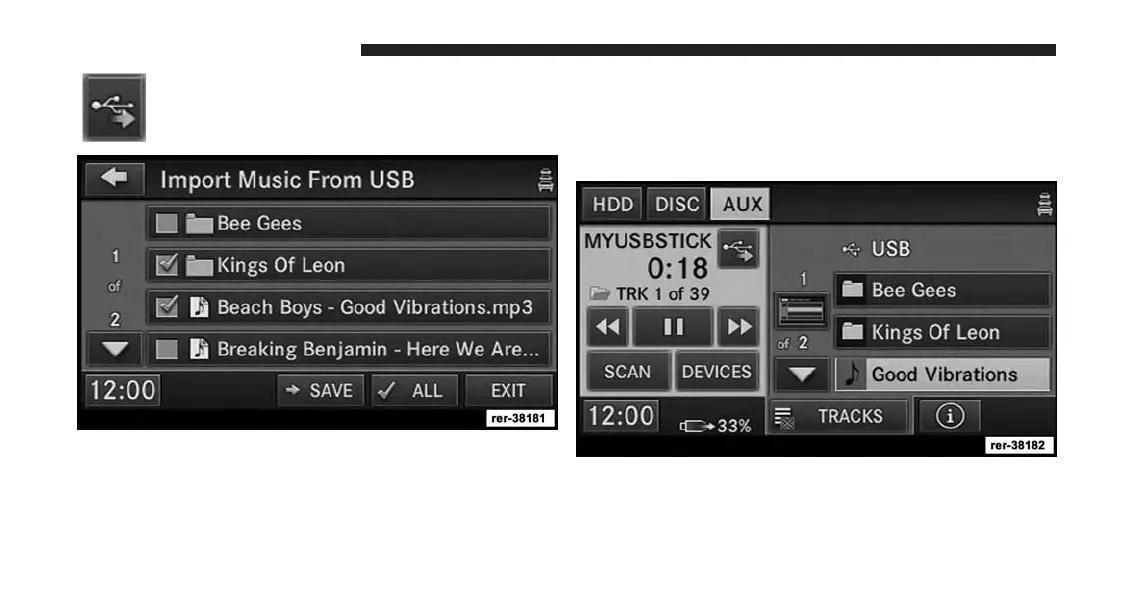
Touch the COPY FROM USB soft-key.
2. Select the folders or titles you would like to copy.
A red check mark indicates the selected songs and/or
folders. Touch the ALL soft-key to select all files and
folders at once.
NOTE:
You may touch a folder icon, to open the folder and
select specific songs inside the folder.
3. Touch the SAVE soft-key to start the copy process.
The copy process is shown on the display. It is possible to
listen to radio modes during this process.
78 Uconnect® Multimedia (MEDIA)



 To Next Page