Close Call Mode
This page applies only to the BCT15X. For other models see:
● BCD396XT and BC346XT Close Call Mode
● BCD996XT Close Call Mode
When the scanner is in Close Call mode, it performs a close call check every 2 seconds. The scanner switches to
the selected bands and searches for unusually strong signals (indicating the transmitter is probably somewhere
close by). After the close call check, the scanner returns to its previous function.
In Close Call Do Not Disturb mode, the scanner does not perform a Close Call check if it is already receiving
an audio transmission. This prevents the audio from cutting out every 2 seconds.
In Close Call Only mode, the scanner only performs Close Call checks.
The Close Call menu lets you change the operation settings of the Close Call feature. You can change the
overall Close Call options through the
Srch/CloCall Opt menu.
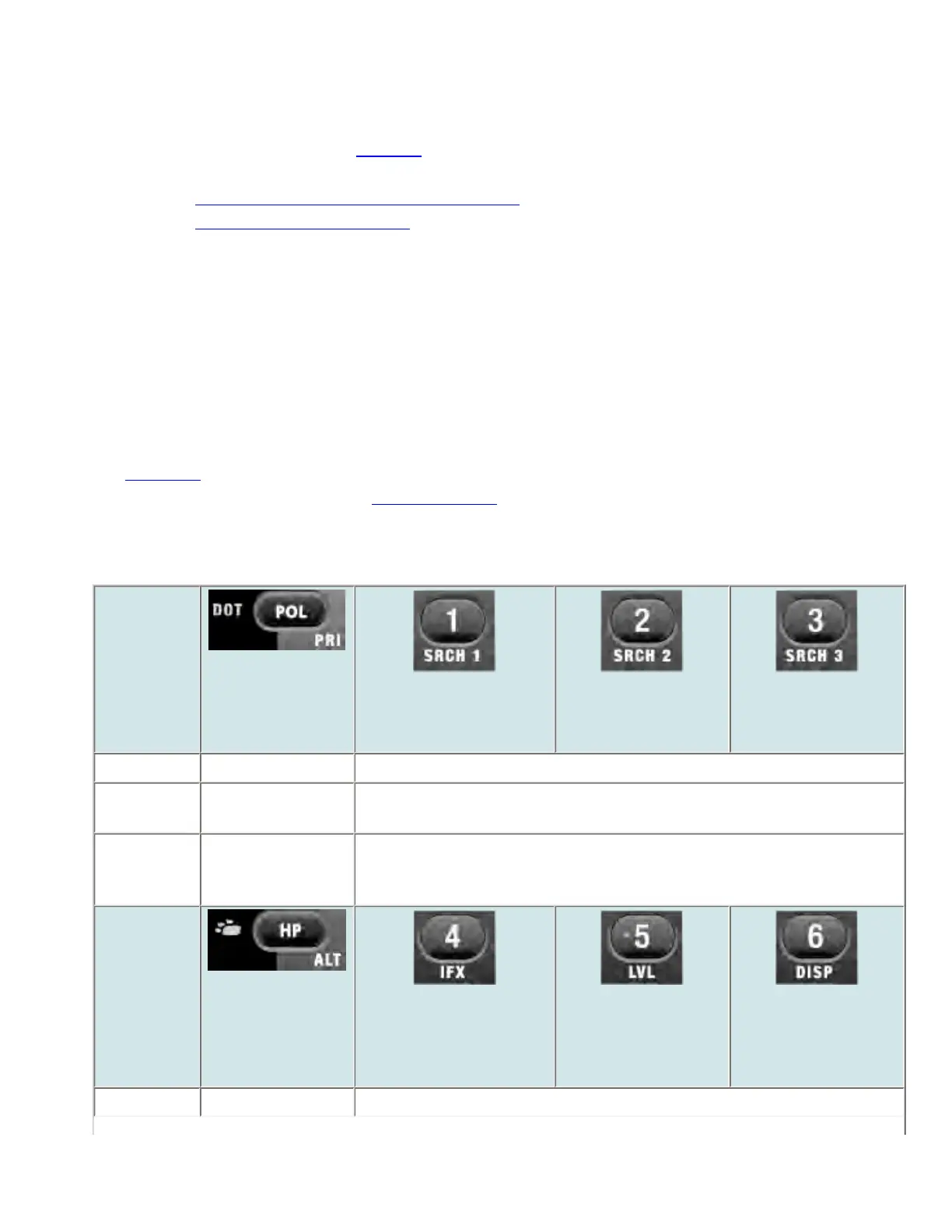
Key Operation in Close Call Mode
Key Name
(2nd
operation)
Action On
DOT / Police /
PRIORITY
1 (Search 1)
2 (Search 2)
3 (Search 3)
Tap Go to Scan mode. Turn on/off the associated Close Call range.
FUNCTION
+ Tap
NA Start the search range assigned to this Search Key.
When
holding on a
frequuency
Go to Scan mode. Input the corresponding number in Direct Entry mode.
Key Name
(2nd
operation)
Action on:
BearTracker /
Highway Patrol /
Alert
4 (IF exchange)
5 (Level offset)
6 (Display mode)
Tap Go to Scan mode. Turn on/off the associated Close Call range.
file:///C|/Documents%20and%20Settings/POpitz/My%20...emp/CDImage_090515/Manual/BCT15XCloseCallMode.html (1 of 4)5/26/2009 11:13:02 AM



 To Next Page