Vertical Summit80 & Summit800
Feature Description and Operation Manual Issue 1.2
351
5.7 Call Wait for Internal & External calls
Description
Internal/external calls can be waited without busy if there are available associated flexible buttons.
The indication of LED on button is blinking, the caller name/number is displayed on LCD, and
Audible Muted(Off Hook) Ring (or Tone) will be heard .
Station (DSS) button can have Internal call waiting, CO (Grp.)/Loop button can have External call
waiting, and specially ‗Unified-LOOP(U-LOOP)‘ button can have both Internal and External calls
waiting.
In case of external DID call, If you are busy on a call and you receive a DID call, the call will, as a
default, follow the reroute assignments for the DID call destination (PGM 167). The system can
be configured to queue the call to your station allowing you to end or hold your active call to
answer the DID call. DID call will queue for the DID/DISA No-answer time then will route based
on the reroute assignments.
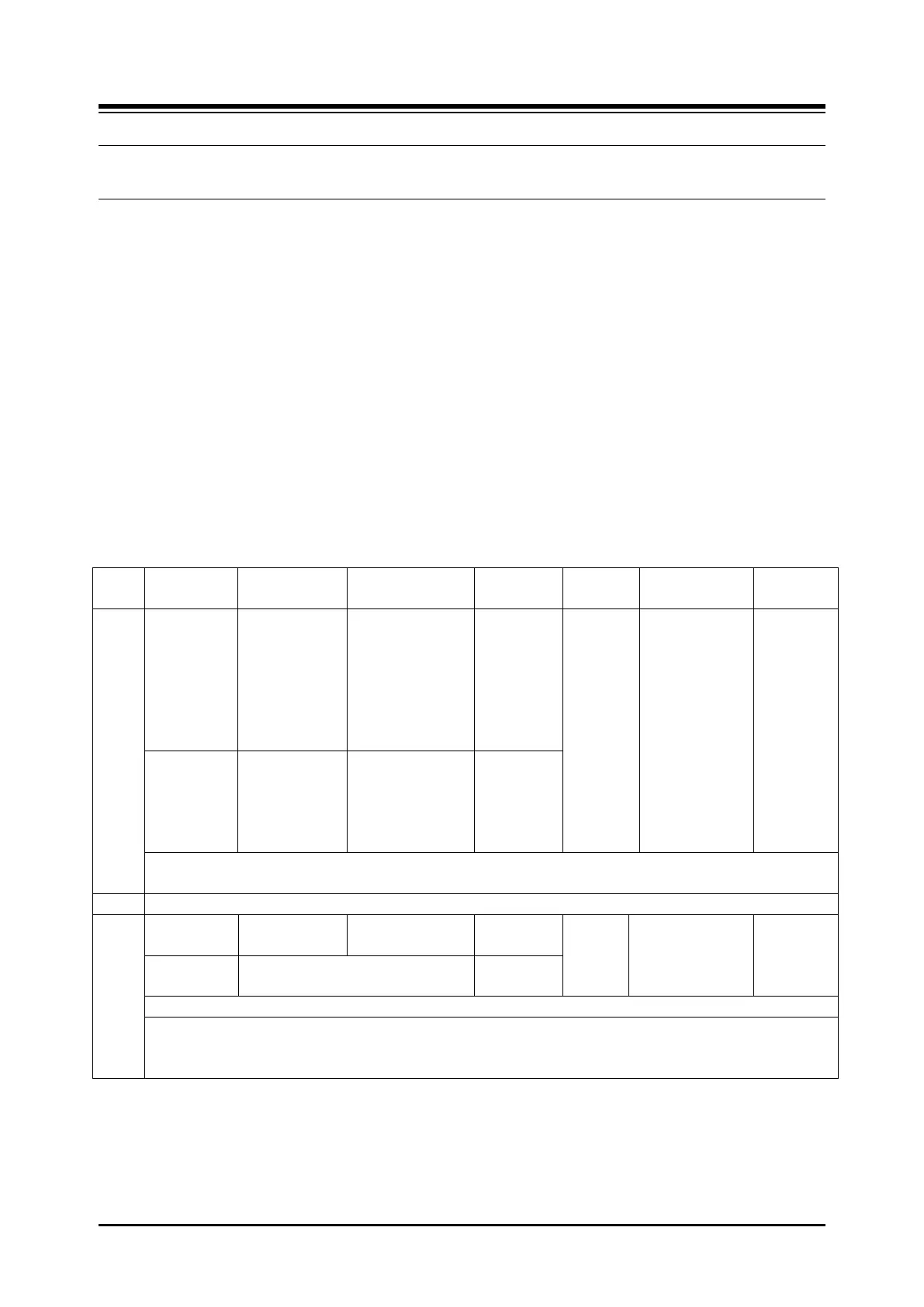
The following table is overview of condition and operation for call waiting.
P.113 Station
Attributes
{Call Wait
= ON}
available empty
U-LOOP buttons,
or
Station/CO(GRP)/
(CO)LOOP
buttons
U-
LOOP(48),
Other
Button(as
available
Flexible
Button)
Green:
steady/held/rec
all
Amber:
Normal/Fast
flashing
Red:
Normal/Fast
flashing
Name
/Number of
Waiting
Call for a
few
second,
back to
original
Ring/ACD
Group Call
Queue
Indication
P.191 Group
Attribute Ring
& ACD
{Indication =
ON}
Auto Hold: Station Data > Common Attributes(111) > “Automatic Hold = OFF/ON”
Auto Transfer: Station Data > Common Attributes(111) > “Auto Transfer By Button = OFF/ON”
When busy after 2 normal calls
Pickup 2
nd
Incoming call, Switch between 2 picked-up Calls: Press [Hook Flash] 2 times continuously.
In case of pressing [Hook Flash] 1 time, it will make a new call and hang up, and then the call will be transferred
to the new call or after connected to new call => Broker Call by 1 time of [Hook Flash] / Conference by Fast 2
times of [Hook Flash]



 To Next Page