NOTE: If the PDU in the SmartRow™ 2 infrastructure solution has been configured, then the energy consumption
statistics settings and system load percentage settings were automatically configured.
For more information on the Power Mgmt page, please refer to the Vertiv™ Liebert® RDU501 Intelligent Monitoring Unit User
Manual shipped with the unit and located on www.Vertiv.com.
9.4.1 Calculationsetting
To navigate through the Calculation Setting feature:
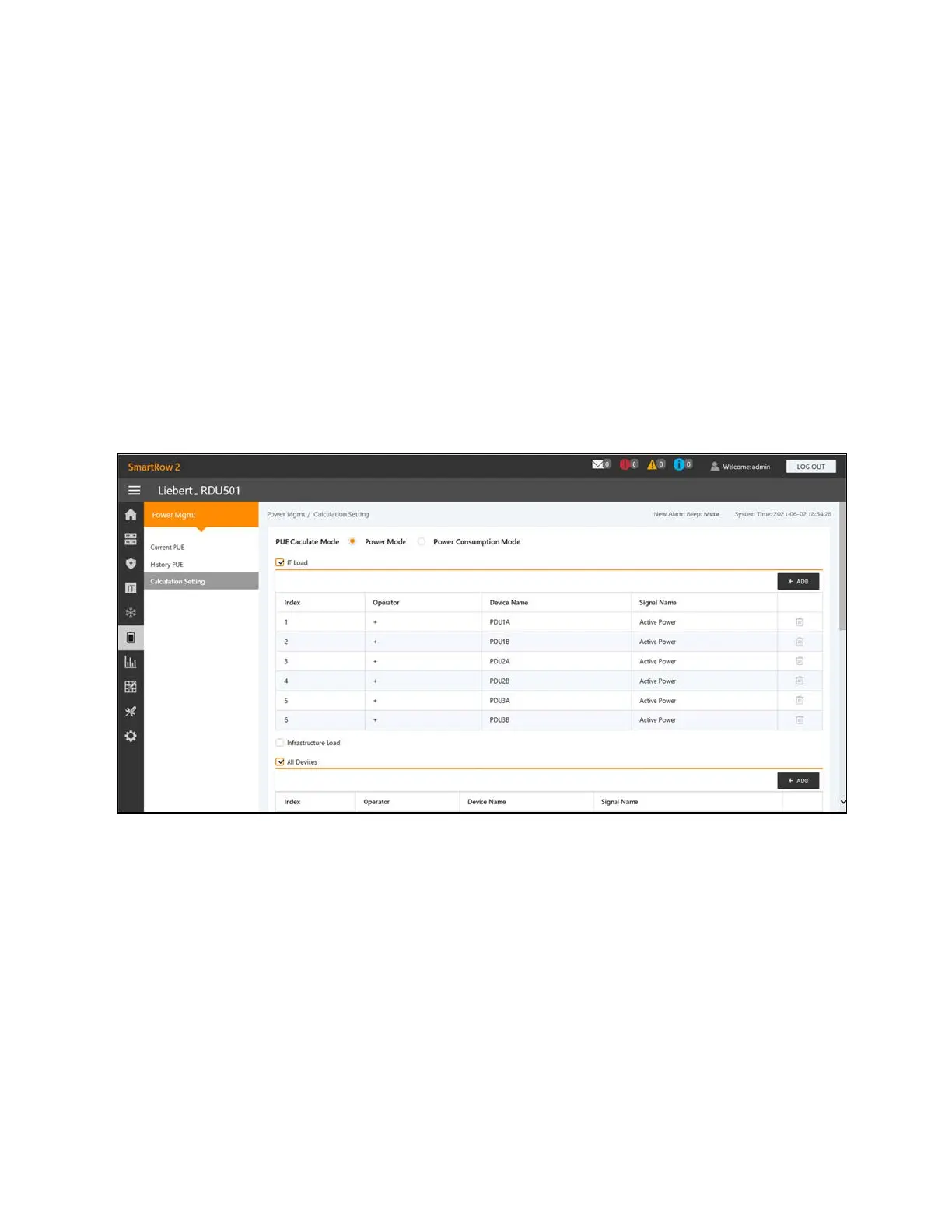
1. From the Power Mgmt tab, click the Calculation Setting tab to view the system load percent settings and two
PUECalculation Modes.
2. Click the CLEAN
UPbutton to clean the configuration information.
3. At the confirmation window, click the CONFIRM button.
4. Click SAVE, then clickCONFIRM.
Figure 9.8 Power Mode Tab
104 Proprietary and Confidential ©2024 Vertiv Group Corp.
9 Vertiv™ Liebert® RDU501
Intelligent Monitoring Unit Web User
Interface (UI)
Vertiv™ SmartRow™ 2 Infrastructure Solution User Guide



 To Next Page