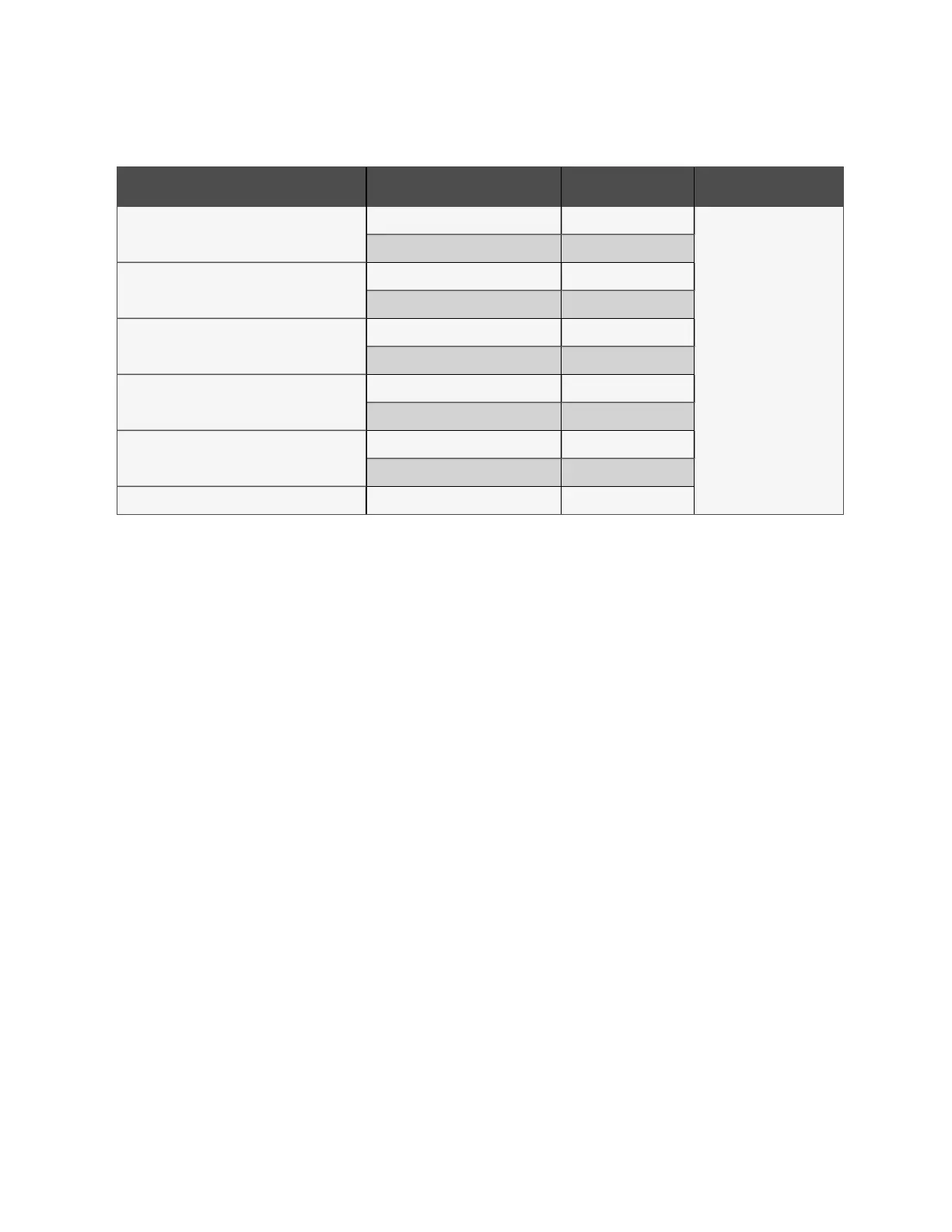
3. Refer to Table 7.3 below to add a static IP address.
Cabinets Web UI PDU Number PDU address Description
Cabinet 1
PDU 1A 192.168.1.7
Access switch port
PDU 1B 192.168.1.8
Cabinet 2
PDU 2A 192.168.1.9
PDU 2B 192.168.1.10
Cabinet 3
PDU 3A 192.168.1.11
PDU 3B 192.168.1.12
Cabinet 4
PDU 4A 192.168.1.13
PDU 4B 192.168.1.14
Cabinet 5
PDU 5A 192.168.1.15
PDU 5B 192.168.1.16
Fan controller (Vertiv™ Geist™ GU2.0) Fan controller 192.168.1.28
Table 7.3 Single Cabinet, Dual PDU Cascade Address Settings
7.2.2 Account information
In the case that the address or passwords are lost or forgotten, see the following procedure for a resolution.
To restore the default IP address and reset all user account information:
Press and hold the Network Reset button located below the Ethernet Port for 15 seconds.
-or-
Press and hold the button in the center of the LED display for 10 seconds.
If you set the IP address of each PDU you can check the IP on display. Pressing both the play and stop button at the same
time displays the primary IPv4 address of the unit.
7.3 Intelligent Locks
This system can be equipped with an integrated IC card access control cabinet lock, which allows five possible access
methods:
• Physical key
• Numerical code
• Remote control
• Opening card
• Badge
These access methods realize the network control function of intelligent door locks for each front and rear cabinet door. By
default, all communication addresses for IT cabinets with intelligent locks are set to 0. The cabinet address needs to be re-
adjusted according to the placement of the cabinet on-site.
NOTE: The communication address of the PMC does not need to be adjusted.
7 Network Settings Proprietary and Confidential ©2024 Vertiv Group Corp. 53
Vertiv™ SmartRow™ 2 Infrastructure Solution User Guide



 To Next Page