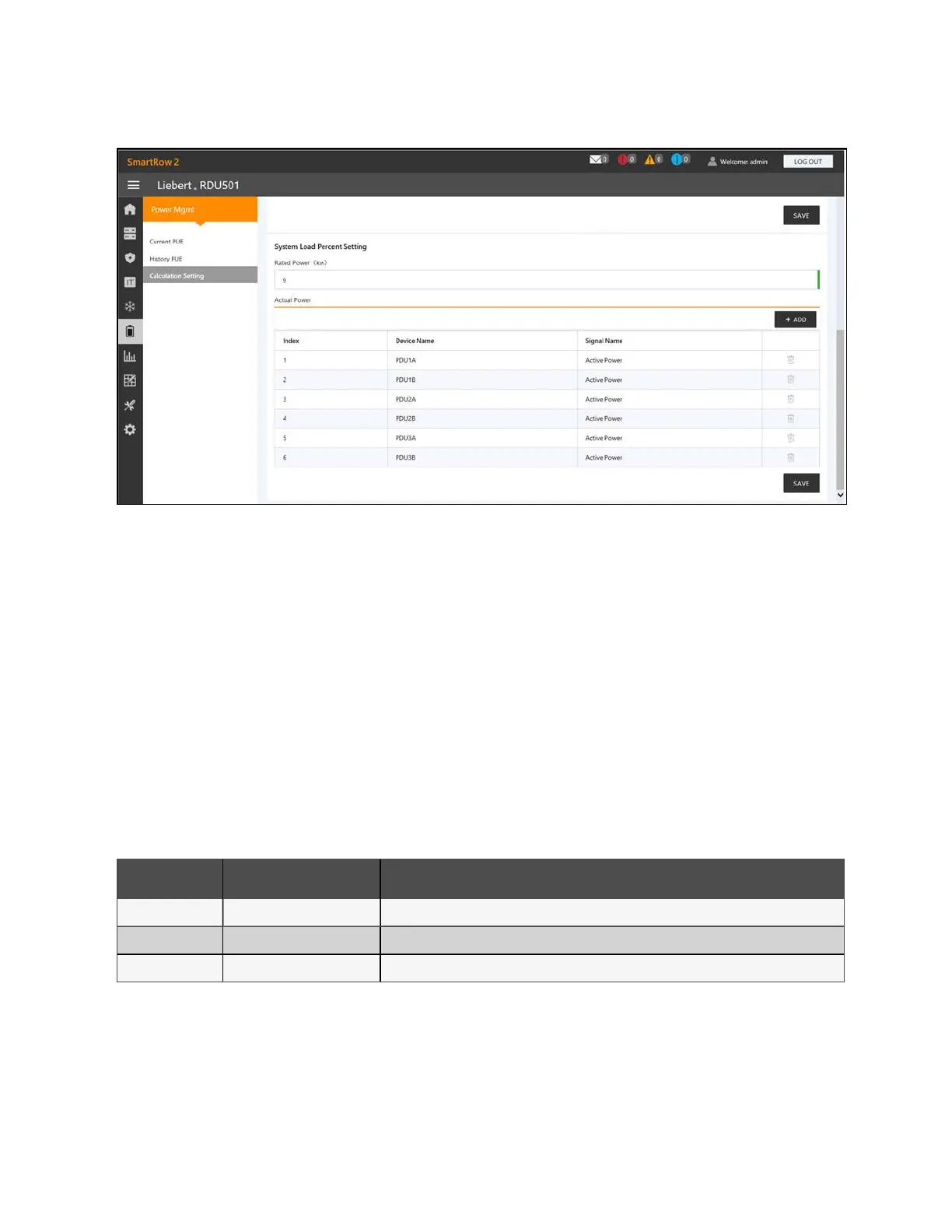
Figure 9.9 System Load Percent Setting Tab
9.5 Device Options
The Device Options page allows you to configure and add device information, perform batch configurations, modify the
device and signal name, modify the signal status, configure alarm notifications and actions, define the SMSand email
information. From the left-hand sidebar, click the Device Options icon to access the following submenus: Infrastructure Device
Mgmt, Batch Configuration, Signal Setting,Notify Type Configuration, Email&SMSConfiguration, and Alarm Actions.
The following section describes the Alarm Actions section. For more information on the other tabs, please refer to the Vertiv™
Liebert® RDU501 Intelligent Monitoring Unit User Manual shipped with the unit and located on www.Vertiv.com.
9.5.1 Alarm actions
The AlarmActions tab contains the fan controller (FC) and 3-color light control, as shown below. The back door of the cabinet
is equipped with monochromatic lights. The PMCand front door of the cabinet are equipped with three colored lights. Refer to
the following table for the meaning of each color.
Color Description Function
White Maintenance Lights up when any cabinet door is opened.
Blue Ambience Lights up when all doors are closed and no alarms are triggered.
Red Alarm Lights up when all doors are closed, but an alarm has been triggered.
Table 9.6 LED Light Meanings
9 Vertiv™ Liebert® RDU501
Intelligent Monitoring Unit Web User
Interface (UI)
Proprietary and Confidential ©2024 Vertiv Group Corp. 105
Vertiv™ SmartRow™ 2 Infrastructure Solution User Guide



 To Next Page