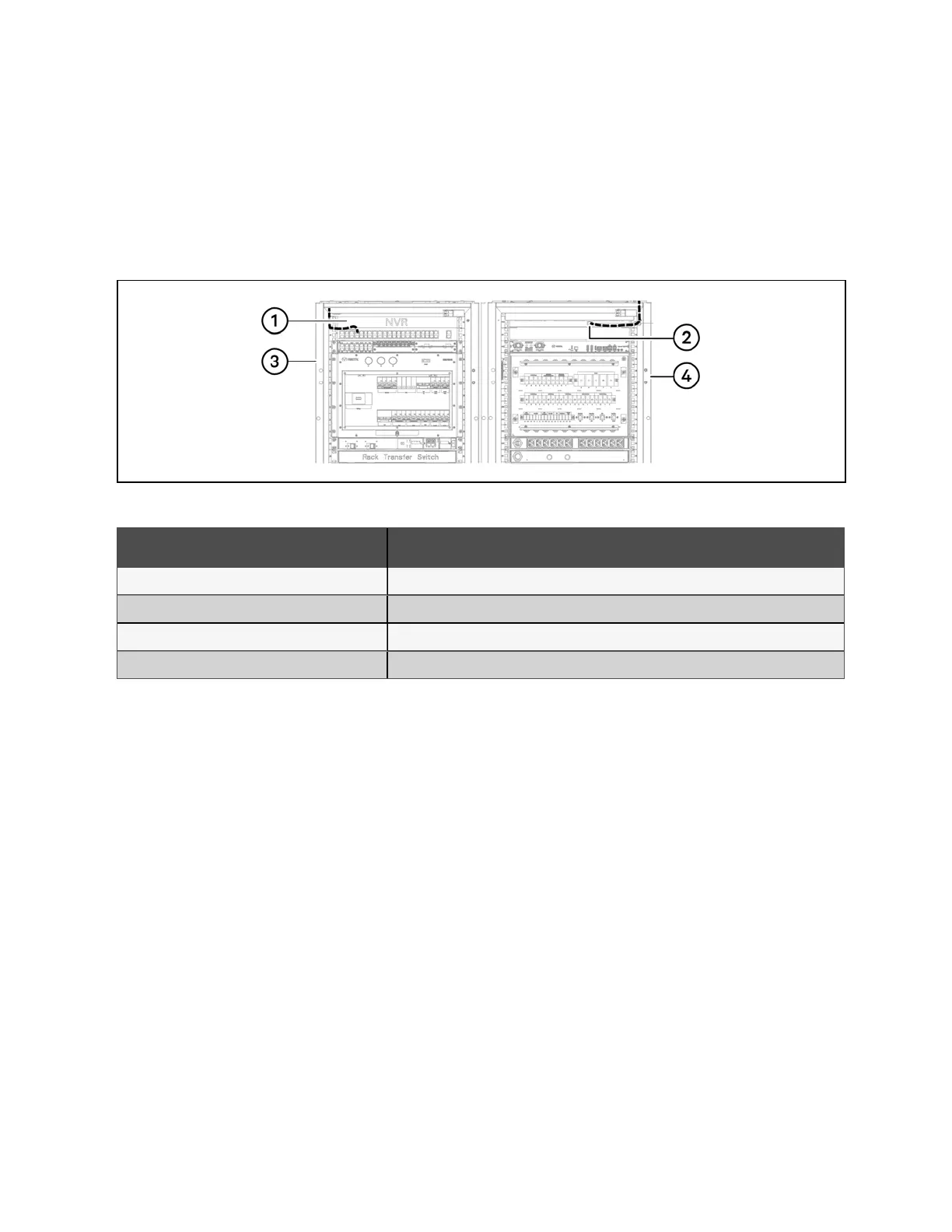
5.4 NVR to POE Switch Communication Cable
To connect the NVR to the POE switch:
1. Locate the network cable in the accessory box.
2. Use the cable to connect the NVR network port to any network port on the switch.
Figure 5.4 NVR and POE Switch Communication Cable Connection
Number Description
1 Any network port of the switch
2 NVR network port
3 PMC front side
4 PMC rear side
Table 5.6 NVR and POE Switch Communication Cable Connection
38 Proprietary and Confidential ©2024 Vertiv Group Corp. 5 Communication Cable Connections
Vertiv™ SmartRow™ 2 Infrastructure Solution User Guide



 To Next Page