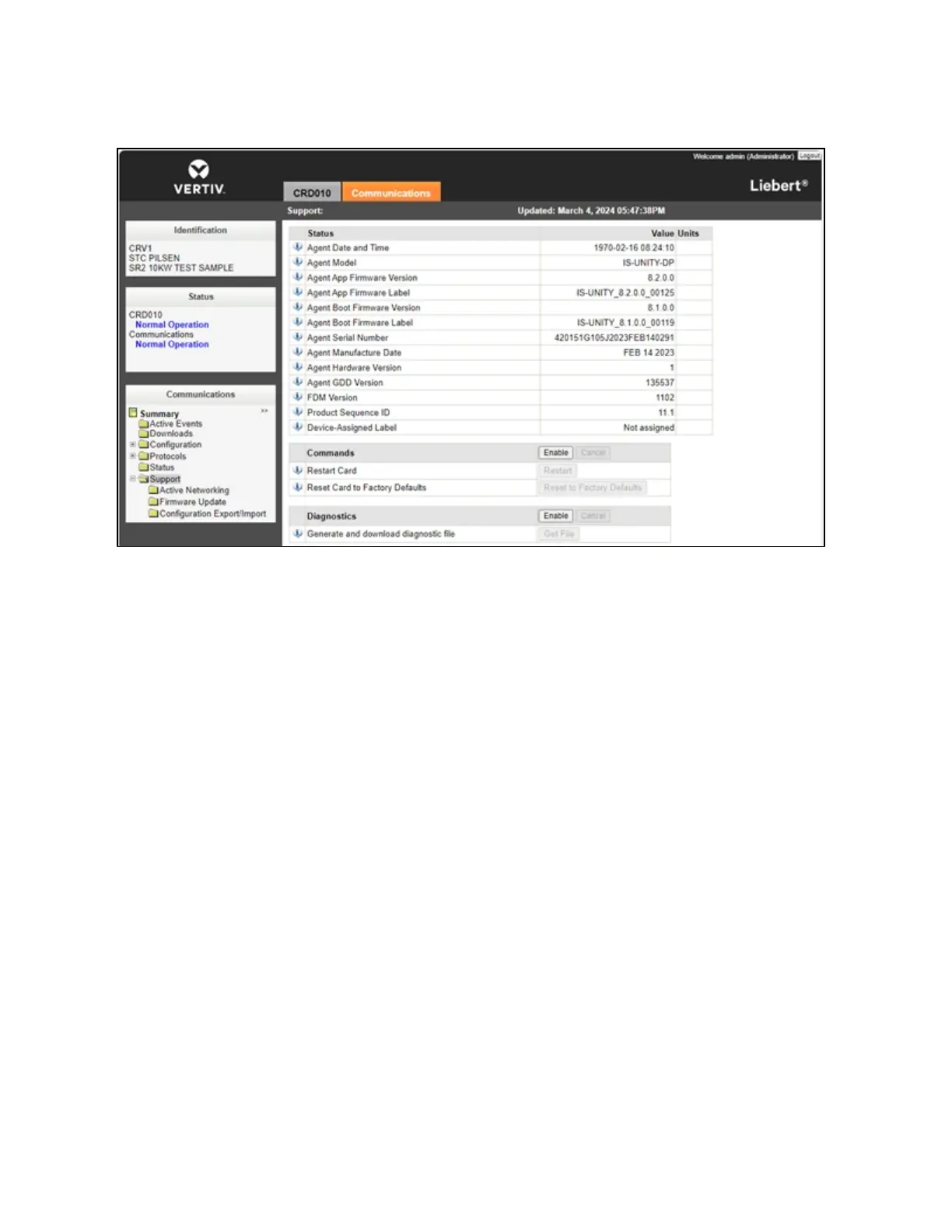
Figure 7.17 Card Restart
7.5.1 Vertiv™ Liebert® CRD10
To power on/off the unit:
Press and hold the ON/OFFbutton for three seconds.
This activation on the cooling unit HMI display is required when the system is started for the first time, so that it can be
controlled from the main HMIlocated on the PMC unit or through the Vertiv™ Liebert® RDU501 monitoring unit web User
Interface (UI).
To activate the user menu:
Press Unlock and enter the default user password: 1490. The home page appears, as shown in the following figure.
7 Network Settings Proprietary and Confidential ©2024 Vertiv Group Corp. 63
Vertiv™ SmartRow™ 2 Infrastructure Solution User Guide



 To Next Page