7.2.1 Network settings
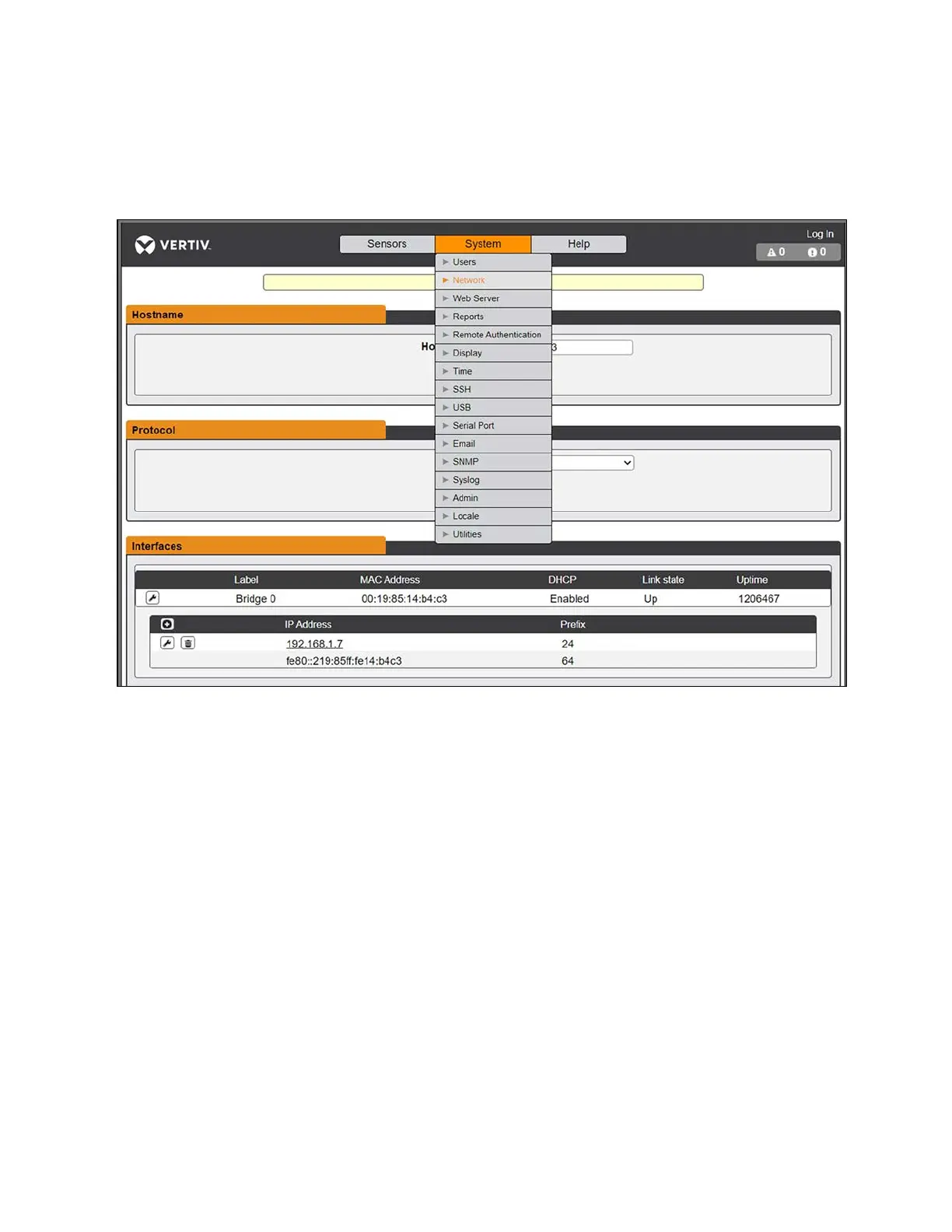
The Network page allows you to assign the network properties manually or connect to your network via DHCP.
Figure 7.3 PDU Network Settings
Initial network configurations
The upgradeable IMD-03E-G module has a default IP address for initial setup and access. The default address is displayed on
the front of the unit.
• IP Address: 192.168.123.123
• Subnet Mask: 255.255.255.0
• Gateway: 192.168.123.1
To access the unit for the first time:
1. Temporarily change your computer's network settings to match the 192.168.123.xxx subnet.
2. Connect the PDU to your computer's Ethernet port, then follow the appropriate instructions in the manual
shipped with the PDU for your operating system.
3. Connect the network port 1 of the host PDU to an upper-layer device.
4. You can now navigate to the web page of the PDU.
To configure a static IP address:
1. From the web page, go to System - Network.
2. Under the Interface section, check if the DHCP function is enabled.
52 Proprietary and Confidential ©2024 Vertiv Group Corp. 7 Network Settings
Vertiv™ SmartRow™ 2 Infrastructure Solution User Guide



 To Next Page