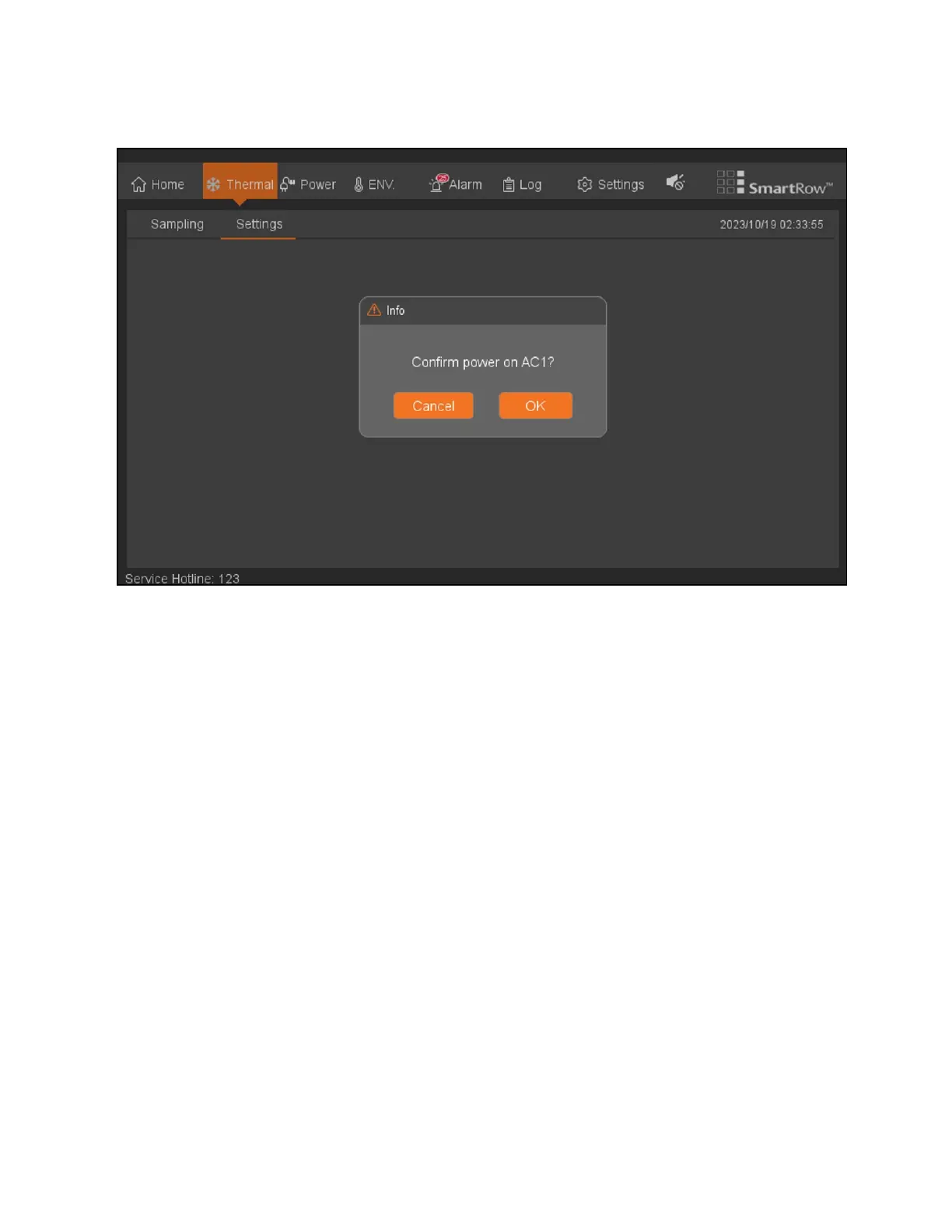
Figure 8.5 Thermal Settings: Confirmation Page
Note the following information about the Thermal Settings page:
• Air supply temperature setpoint default: 74 °F; Setting range: 59 – 90 °F
• Depending on the system configuration, the thermal management - automatic page configuration settings and
controls (single / double air-conditioning).
• Sub-pages setting confirmation function is provided in the LCD are arranged, subsequent omitted.
8.3 Power
The Power screen provides access to information related to the system's UPS and PDU.
8.3.1 UPS
To access and navigate the Power - UPS page:
From the top navigation bar, click Power - UPS. The UPS tab displays the distribution parameters and real-time power system
operating mode, as shown in the following figure.
76 Proprietary and Confidential ©2024 Vertiv Group Corp. 8 LCDScreen Overview
Vertiv™ SmartRow™ 2 Infrastructure Solution User Guide



 To Next Page