8.7 Settings
8.7.1 Password
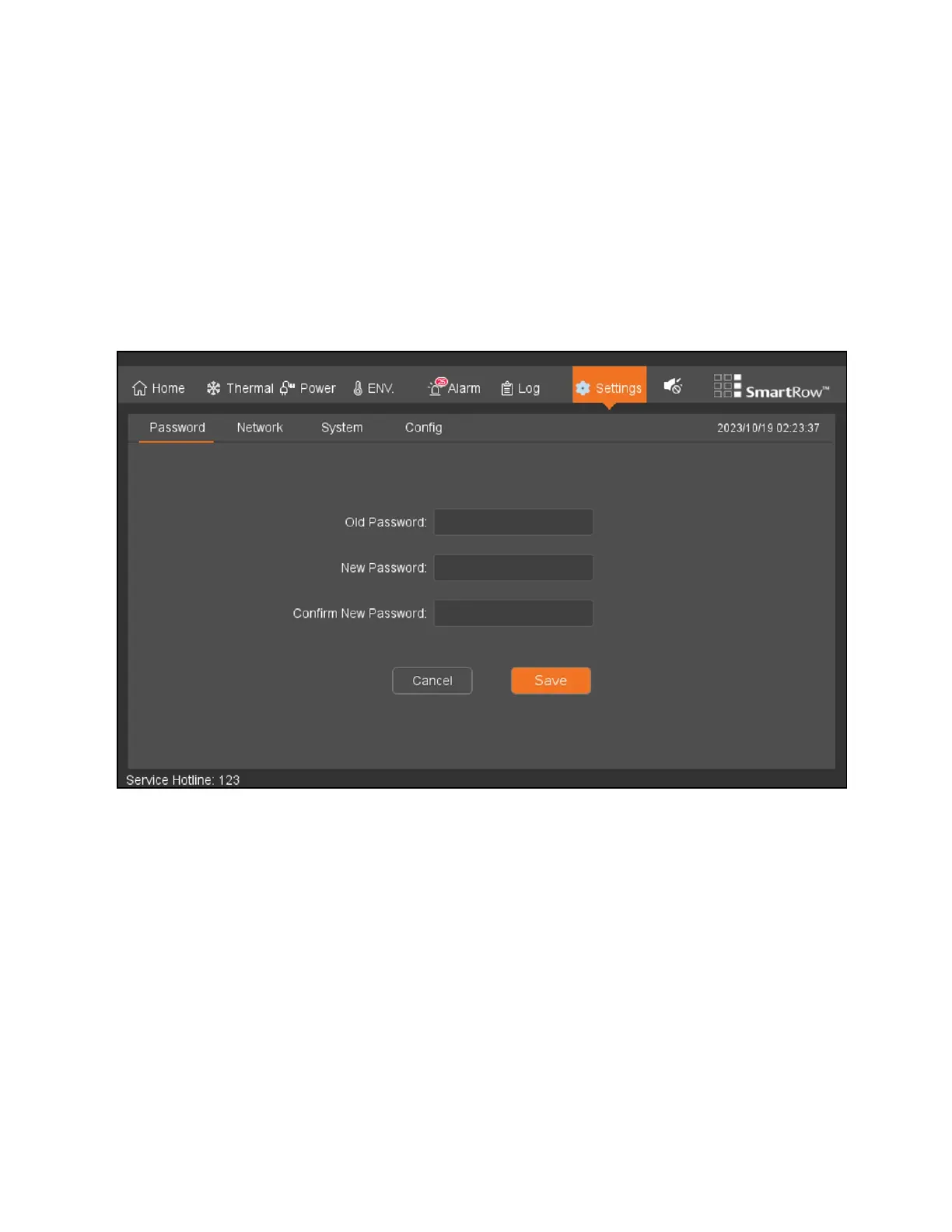
To view and configure the password settings:
From the top navigation bar, click Settings - Password.The Password tab allows you to modify the password through the LCD
screen. By default, the password is 1234.
NOTE: Web pages can be restored in the LCD.
Figure 8.13 Password Settings
8 LCDScreen Overview Proprietary and Confidential ©2024 Vertiv Group Corp. 85
Vertiv™ SmartRow™ 2 Infrastructure Solution User Guide



 To Next Page