6 System Startup and Shutdown
This chapter provides general information related to system startup. Ensure that safety regulations are observed during the
commissioning process. Commissioning should only be carried out by trained and qualified personnel.
CAUTION: Please remove rings, watches and other metal objects that may cause any short circuits. During
operation, pay attention to high-pressure risks to avoid personal injury and property damage.
6.1 Power-On Checklist
Before powering on the SmartRow™ 2 infrastructure solution, ensure all listed tasks have been completed.
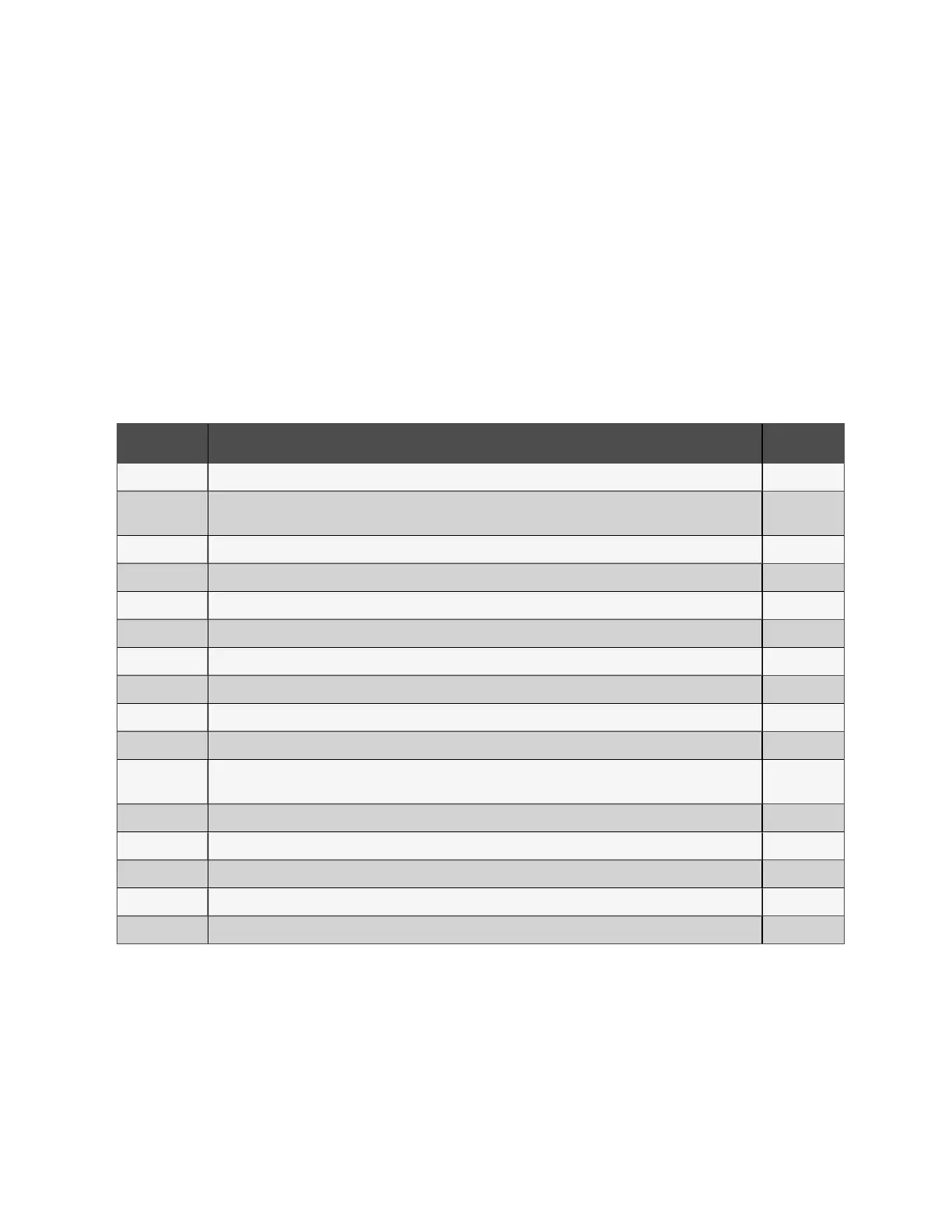
Number Task Status
1 The horizontal and vertical cabinet installations are secure.
2
Check that all bolts are tightened (with particular attention to the electrical connection portion), a flat washer, spring
washer is complete, and the like is installed backwards.
3 Unnecessary materials have been removed and the cabinet cleaned.
4 Vacant space has been used and the U blanking panels closed.
5 The polarity of the battery is connected, and the cable connections are stable and accurate.
6 Check the battery if the bezel installed.
7 All open space and cable model specifications are correct.
8 Each power cable and single cable for the PMC and UPS is connected correctly to prevent short circuiting.
9 The electrical system has been grounded.
10 The ground connection is accessible and reliable.
11
The monitoring module checks whether the communication line clamp, wire communication network and confirm
that all the correct line sequence.
12 All control switches are turned off.
13 The wiring is neat and cable ties meet process specifications.
14 The door opening and closing is flexible, and the intelligent door locks work properly.
15 The air conditioning piping system is properly connected with no leaks.
16 Address checking each set member is correct, the address table is provided corresponding parts Buyers.
Table 6.1 Power-On Checklist
6.2 Initial Boot
To perform the initial boot of the SmartRow™ 2 infrastructure solution:
1. Close the main input MCB and surge protection MCB. For more details, refer to the schematic diagram in the user
guide shipped with the UPS.
6 System Startup and Shutdown Proprietary and Confidential ©2024 Vertiv Group Corp. 45
Vertiv™ SmartRow™ 2 Infrastructure Solution User Guide



 To Next Page