Icon Function Description
Normal Mode When set to normal mode, the buzzer sounds an alarms for five minutes or until silenced.
Maintenance Mode When set to maintenance mode, the buzzer does not sound.
Silencer
When an alarm is sounding, click the Silencer icon to mute the buzzer.
NOTE: The Silencer only mutes the current alarm; when a new alarm generates, the buzzer will sound again.
Table 8.2 Buzzer Icons
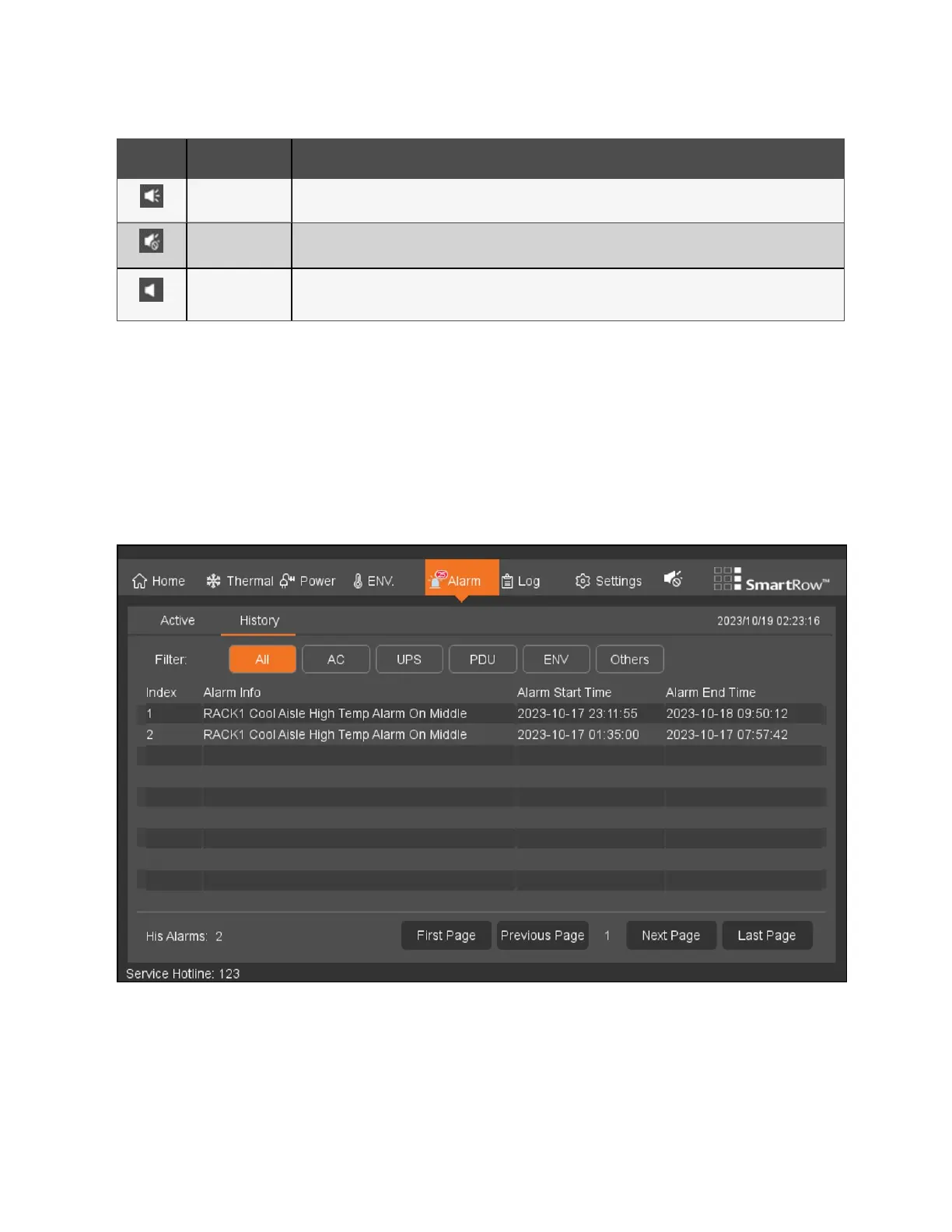
8.5.2 History
To view and navigate past alarms:
From the top navigation bar, click Alarm - History. The History tab provides a display system and screening of past alarms.
Use the Filter option to narrow down your search for past alarms.
NOTE: The LCD screen provides the past 100 alarm entries for one week. For additional alarm history, view the web
pages in Alarm Management.
Figure 8.11 History Tab
8 LCDScreen Overview Proprietary and Confidential ©2024 Vertiv Group Corp. 83
Vertiv™ SmartRow™ 2 Infrastructure Solution User Guide



 To Next Page