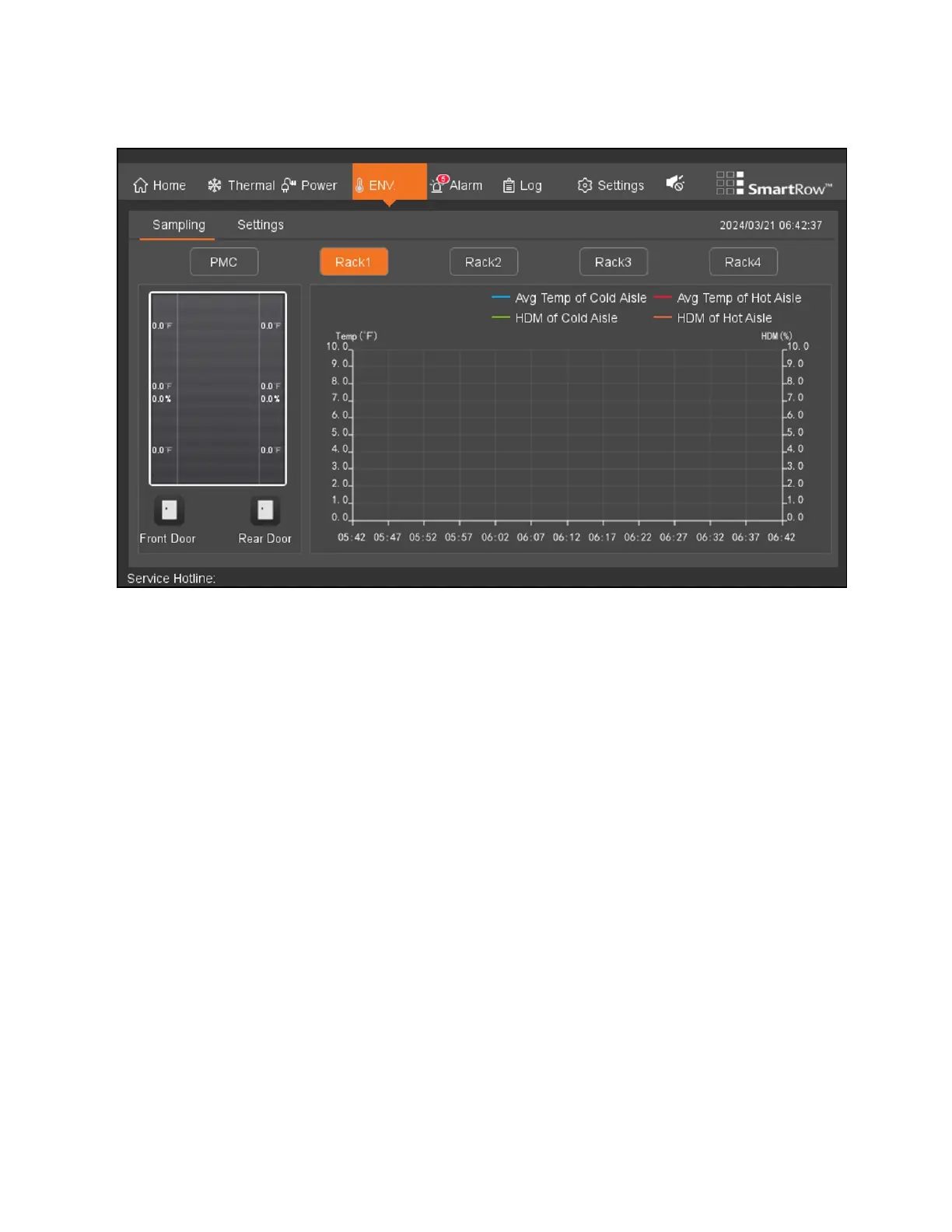
Figure 8.8 Environment Sampling Page
Note the following information about the Environmental Sampling tab:
• Hot and cold aisles average temperature and moisture profile cross-ordinate the adaptive adjustment shaft, a
fade quadrant grid background baseline sampling period: 6S, duration curve: 1h.
• When the air conditioning or emergency fan is working properly, the dynamic airflow patterns for the hot and
cold aisles are turned on. When they are not working properly, the airflow patterns disappear.
• Door status icon static display, the door opened and closed the door to a different style static icon.
8.4.2 Settings
To access and navigate the Environmental Settings page:
From the top navigation bar, click ENV - Setting. This page allows you to view and configure the environmental settings for
the hot and cold aisles.
80 Proprietary and Confidential ©2024 Vertiv Group Corp. 8 LCDScreen Overview
Vertiv™ SmartRow™ 2 Infrastructure Solution User Guide



 To Next Page