NOTE: If you have more than one cabinet, perform the procedure described above until you have successfully changes
all cabinet intelligent door lock addresses.
7.4 Uninterruptible Power Supply (UPS)
Before setting the UPS address, complete the following:
1. Directly connect the computer network port to the Vertiv™ Liebert® IntelliSlot™ RDU101 communications card
using a network cable.
2. Set the IP address of the computer's corresponding interface to the same network segment as the default IP of
the communications card (169.254.24.7). After setting the computer IP, proceed to the next procedure.
To set the UPS IPaddress:
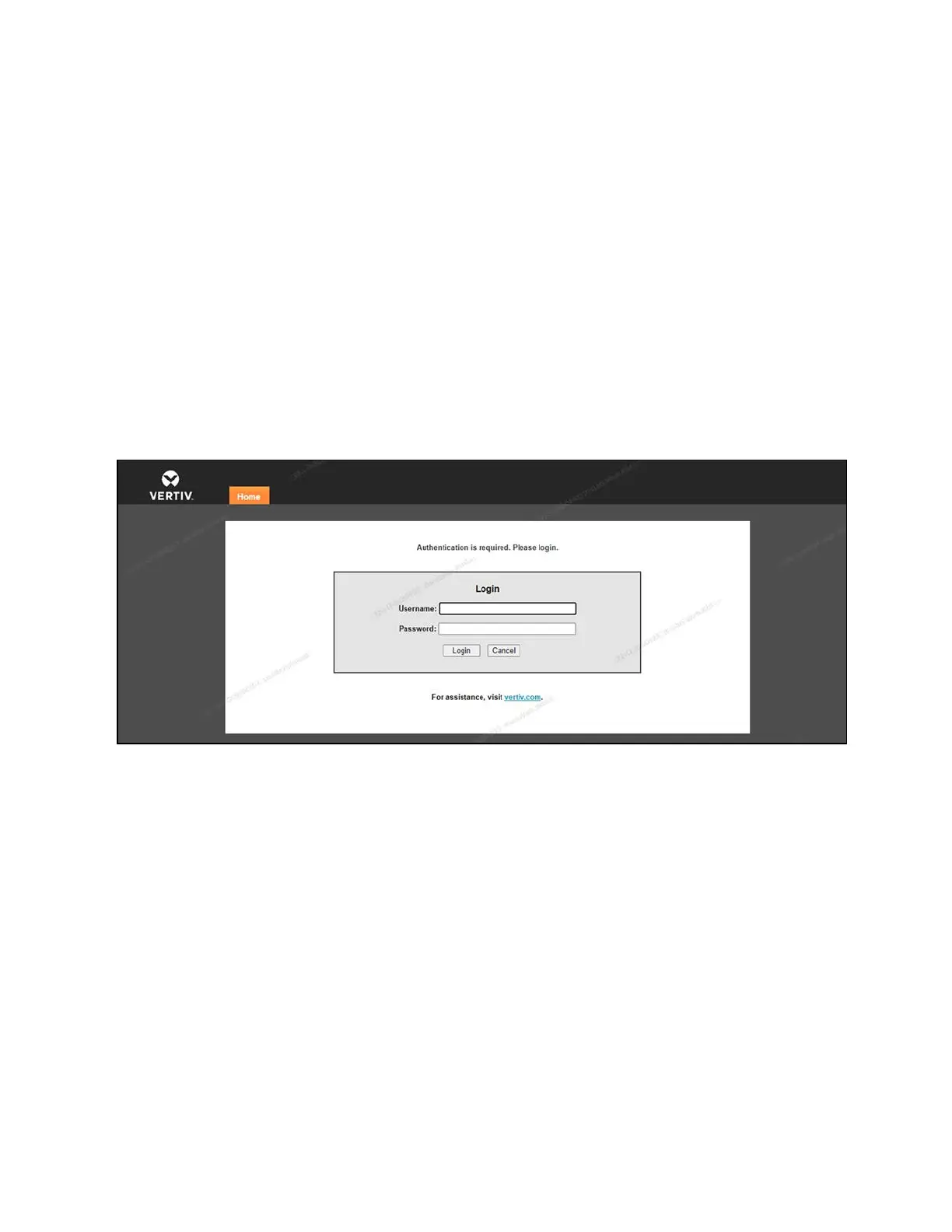
1. Log into the Vertiv™ Liebert® IntelliSlot™ RDU101 communications card web UI using the default credentials
admin/Vertiv@123.
Figure 7.5 Card Log In
2. Enter the home page.
7 Network Settings Proprietary and Confidential ©2024 Vertiv Group Corp. 55
Vertiv™ SmartRow™ 2 Infrastructure Solution User Guide



 To Next Page