5.2 Fan Controller to POE Switch Communication Cable
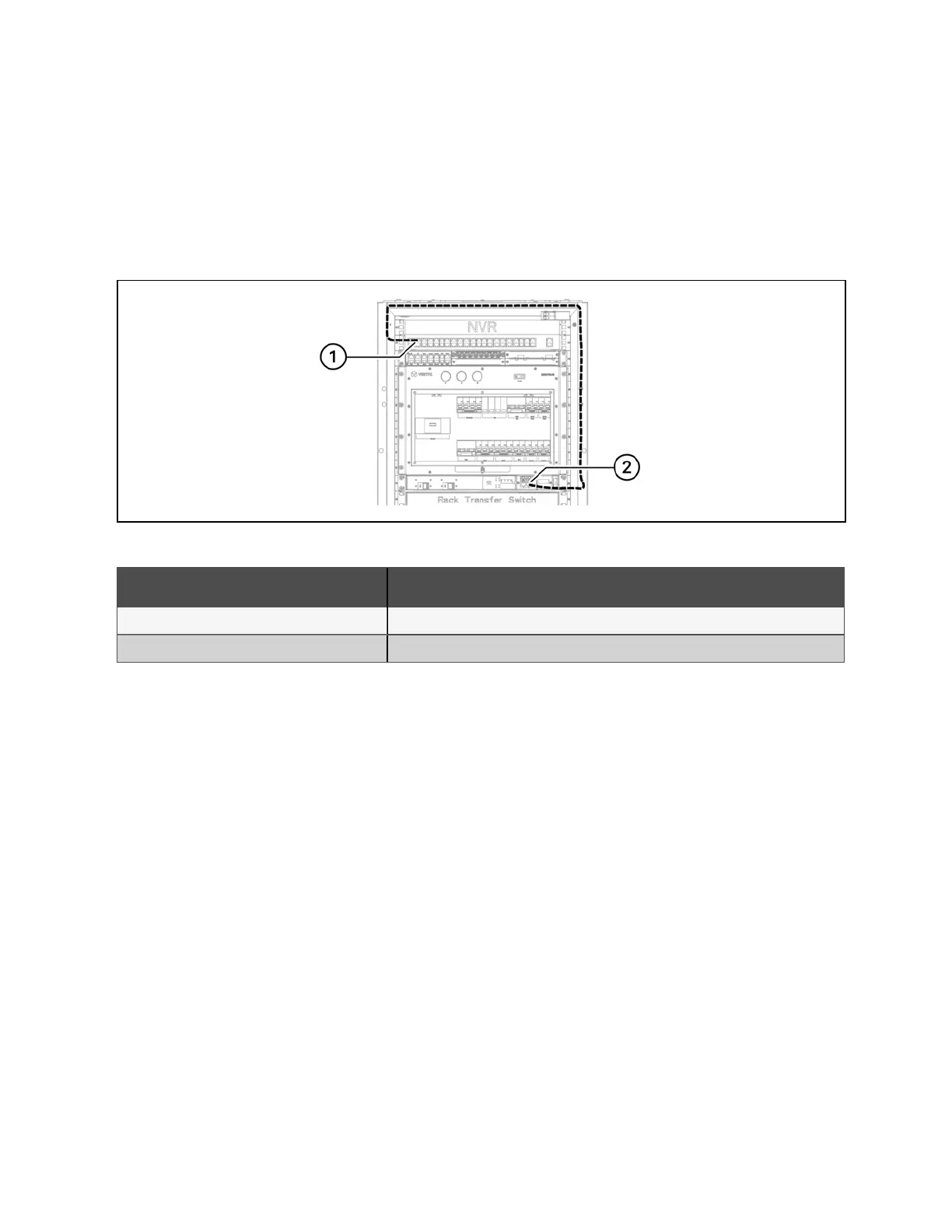
To connect the fan controller to the switch:
1. Locate the fan controller cable in the accessory box.
2. Use a network cable to connect the fan controller to any network port of the switch.
Figure 5.2 Fan Controller and POE Switch Communication Cable Connection
Number Description
1 Any network port of the switch
2 Fan controller LAN port
Table 5.4 Fan Controller and POE Switch Communication Cable Connection
36 Proprietary and Confidential ©2024 Vertiv Group Corp. 5 Communication Cable Connections
Vertiv™ SmartRow™ 2 Infrastructure Solution User Guide



 To Next Page