9.1.3 Password retrieval
To retrieve a forgotten password:
NOTE: You must have the email or SMSparameters correctly set on the Email & SMSConfiguration page. For more
details, refer to the Vertiv™ Liebert® RDU501 Intelligent Monitoring Unit User Manual shipped with the unit and
located on www.Vertiv.com.
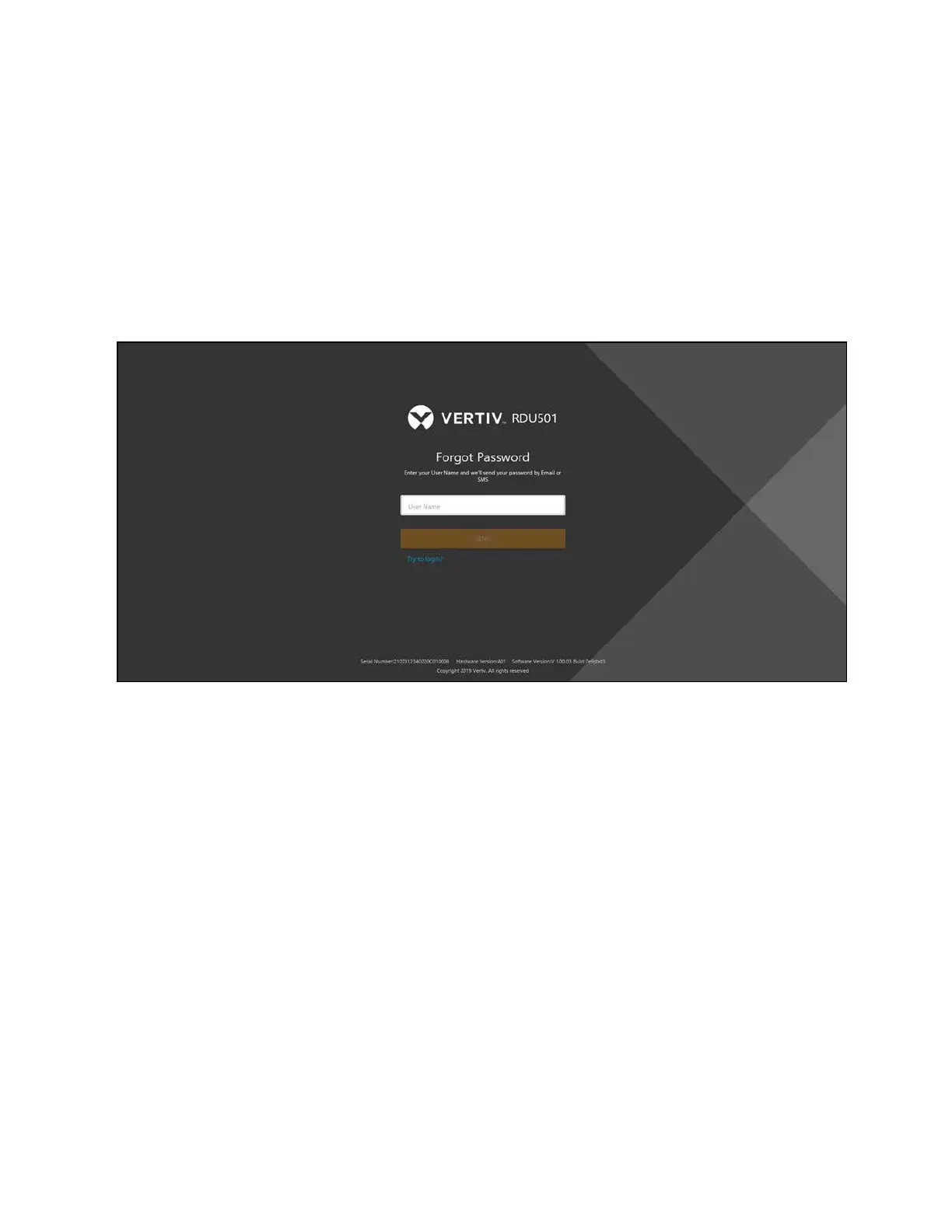
1. From the Login page of the monitoring unit, click Forgot Password. The Forgot Password page appears, as
shown below.
Figure 9.3 Forgot Password Page
2. Enter your username, then click Send. The system generates a new password for you randomly and sends it to
your previously set mailbox or phone number.
3. After receiving your password via email or phone, click Try to login?. You are redirected to the original Login
page where you can enter your username and retrieved password.
4. Modify the retrieved password after you have logged in successfully.
94 Proprietary and Confidential ©2024 Vertiv Group Corp.
9 Vertiv™ Liebert® RDU501
Intelligent Monitoring Unit Web User
Interface (UI)
Vertiv™ SmartRow™ 2 Infrastructure Solution User Guide



 To Next Page