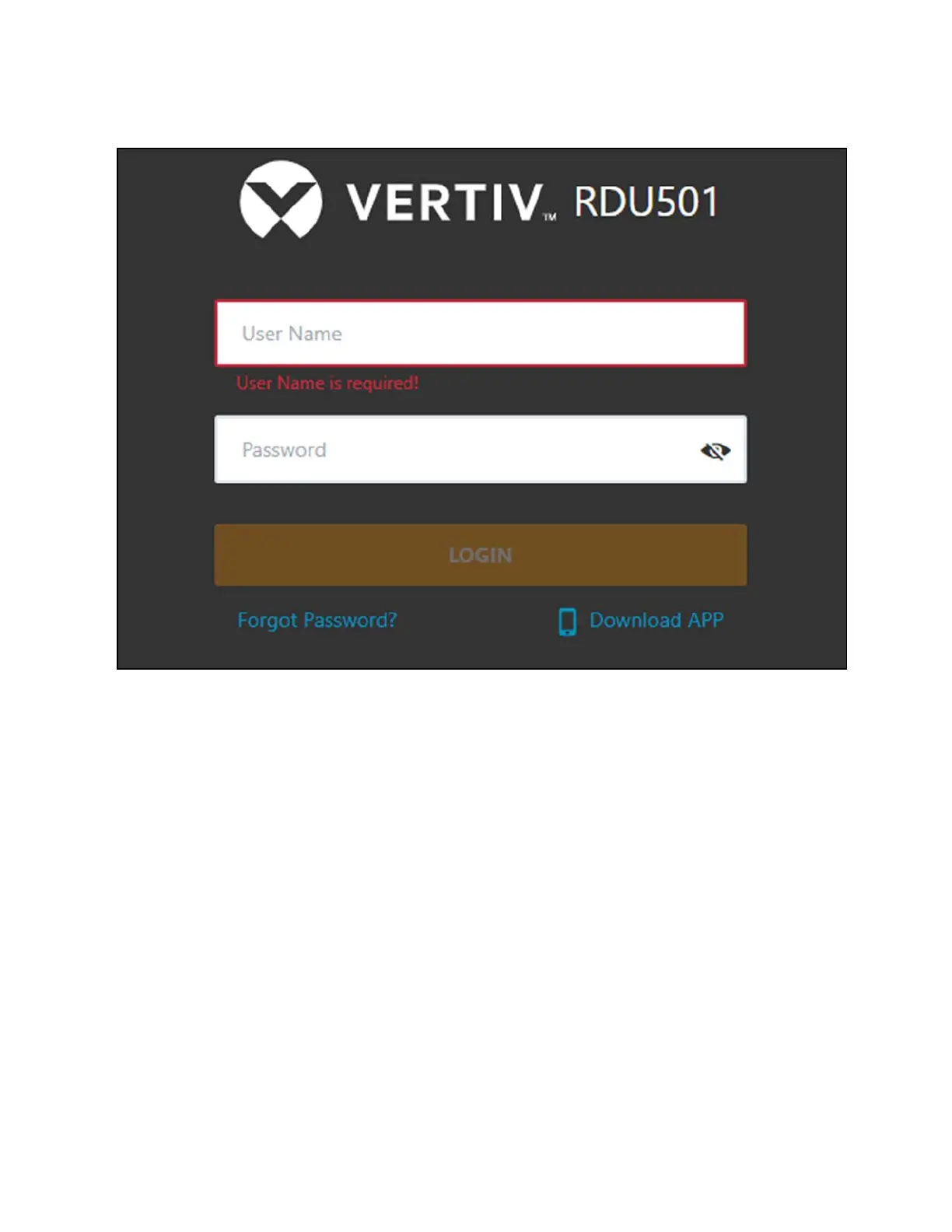
Figure 9.2 Vertiv™ Liebert® RDU501 Intelligent Monitoring Unit Login Page
2. Enter the default username and password: admin/Vertiv
3. ClickLogin. After logging into the system for the first time, it is recommended to change the default password.
NOTE: If new users do not wish to enable the function of changing the default password, navigate to System Options -
Security Setting to disable the function.
To change the default password:
1. The home page of the General Scenario opens and displays the following prompt: Modify the default password
confirmation interface. Click Cancel to return to the Login page.
2. Click Confirm. You are redirected to the page where you can change your password. Enter a new password.
3. Log into the monitoring unit's web UIwith the default username and your new password.
NOTE: It is recommended to change the password periodically.
9 Vertiv™ Liebert® RDU501
Intelligent Monitoring Unit Web User
Interface (UI)
Proprietary and Confidential ©2024 Vertiv Group Corp. 93
Vertiv™ SmartRow™ 2 Infrastructure Solution User Guide



 To Next Page