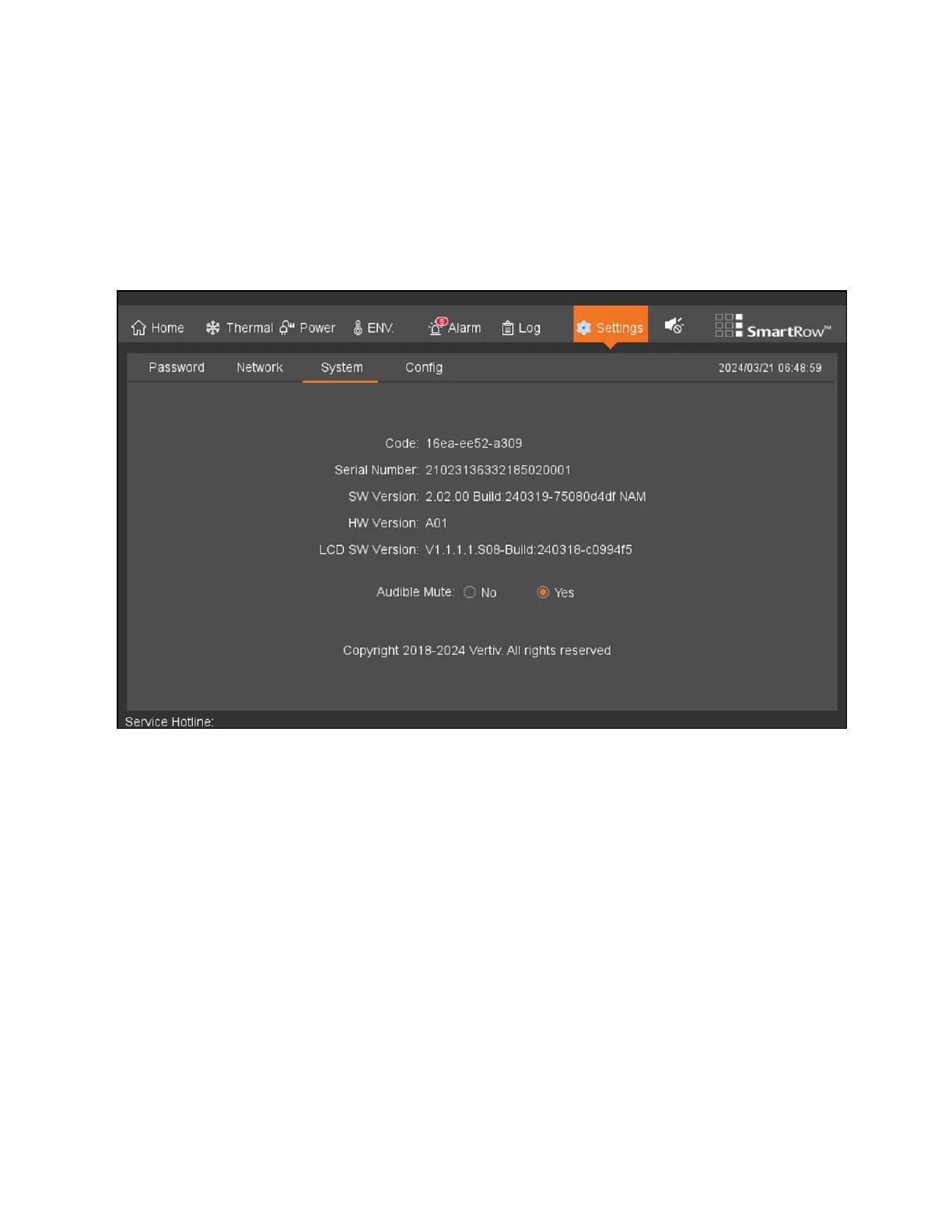
8.7.3 System
To view and configure the system settings:
From the top navigation bar, click Settings - System. The System tab provides information related to the Vertiv™ Liebert®
RDU501 Intelligent Monitoring Unit's firmware and hardware version, the LCD's firmware version, and allows you to configure
the system's mode.
Figure 8.16 System Tab
88 Proprietary and Confidential ©2024 Vertiv Group Corp. 8 LCDScreen Overview
Vertiv™ SmartRow™ 2 Infrastructure Solution User Guide



 To Next Page