8.5 Alarms
The Alarms page contains two sub-sections: Active and History. These sub-sections contain information related to the
system's existing alarms and historical alarms that are no longer in use.
NOTE: No user-defined alarms are available through the SmartRow™ 2 Infrastructure Solution web UI.
8.5.1 Active
To view and navigate existing alarms:
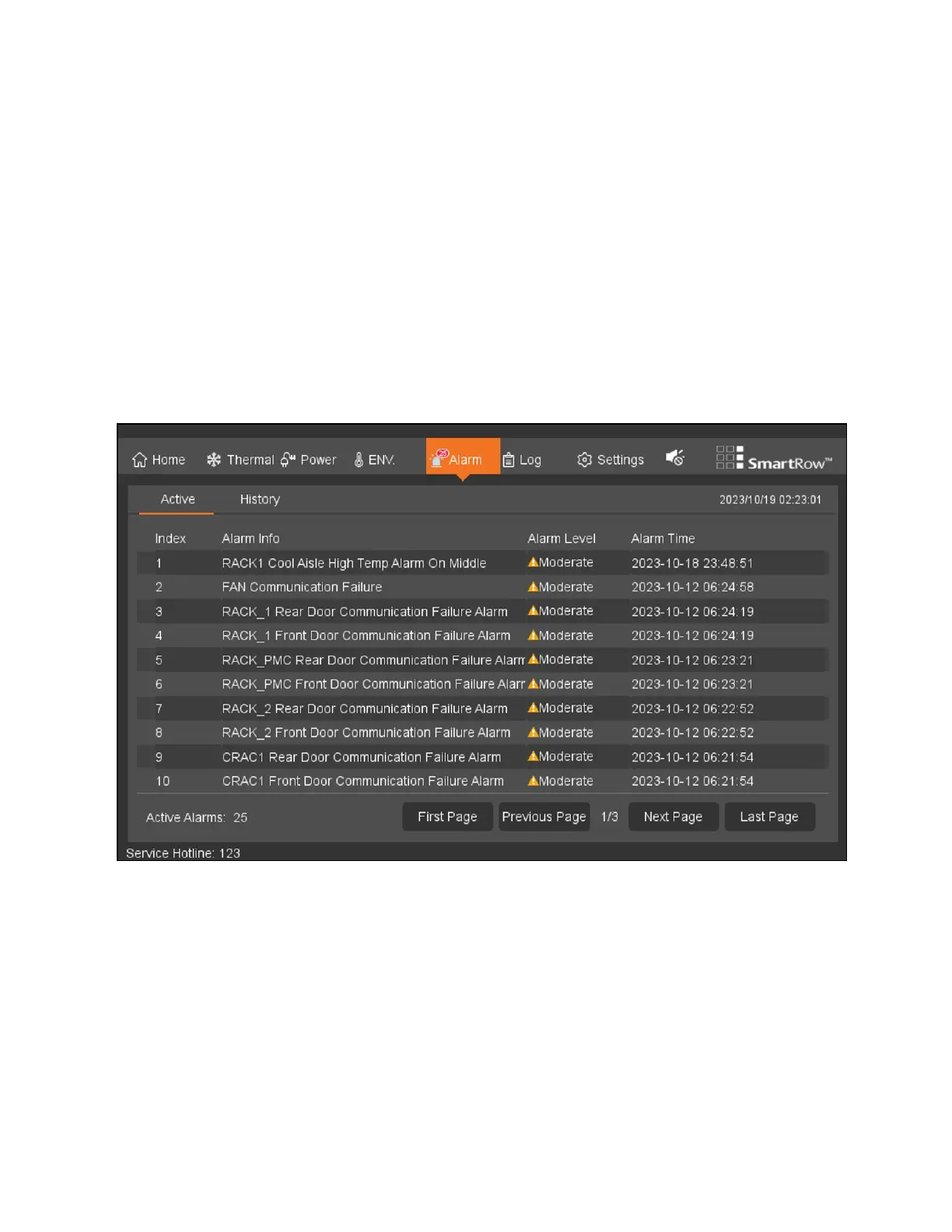
From the top navigation bar, click Alarm - Active. This page provides an organized log of the current alarms, including their
index number, name, level, and the time the alarm generated. Existing alarms are divided into three levels: emergency, major,
and general.
Figure 8.10 Active Tab
To configure the alarm sound:
When activated, alarms will sound a buzzer to notify the user. The buzzer is located in the top right-hand corner of the Alarms
page. Refer to the following table for descriptions of the various buzzer icons.
82 Proprietary and Confidential ©2024 Vertiv Group Corp. 8 LCDScreen Overview
Vertiv™ SmartRow™ 2 Infrastructure Solution User Guide



 To Next Page