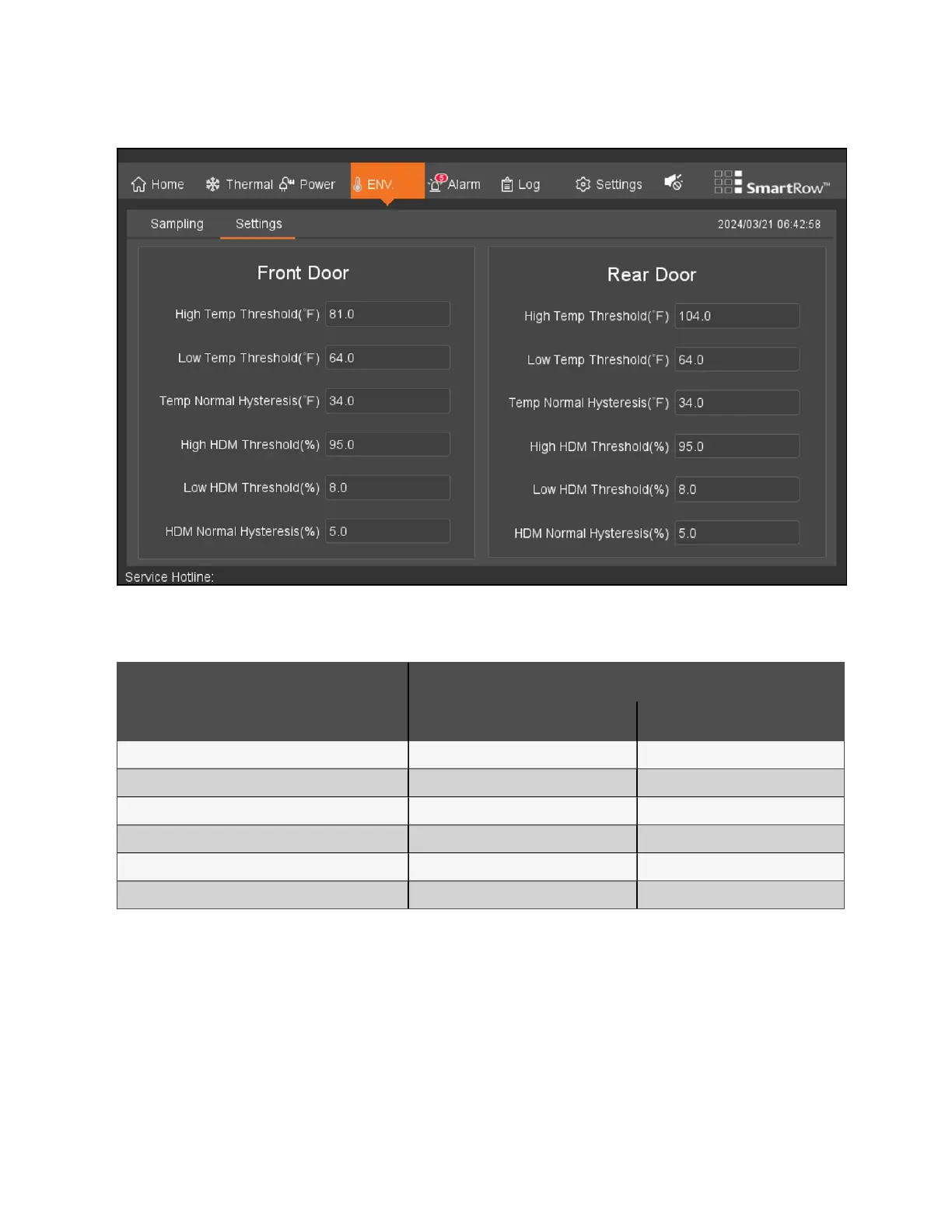
Figure 8.9 Environmental Settings
The fields are automatically set to their factory default values. The following table details the factory environmental settings.
Parameter
Default Setting
Front Cold Aisle Rear Hot Aisle
High Temperature Threshold 27.0 °C (81 °F) 40 °C (104 °F)
Low Temperature Threshold 18 °C (65 °F) 18 °C (65 °F)
Temperature Normal Cut Off 1.0 °C (34 °F) 1.0 °C (34 °F)
High Humidity Threshold 35% 95%
Low Humidity Threshold 8% 8%
Humidity Normal Cut Off 5% 5%
Table 8.1 Factory Environmental Settings
To configure the environmental settings:
Configure these settings by entering the desired value into the respective field(s). Once configured, the system will generate
an alarm when the hot and cold aisle temperature and humidity sensor exceeds the specified value. The alarm will deactivate
when the system returns to an appropriate temperature and humidity range.
8 LCDScreen Overview Proprietary and Confidential ©2024 Vertiv Group Corp. 81
Vertiv™ SmartRow™ 2 Infrastructure Solution User Guide



 To Next Page