2. Close the UPS input circuit breaker and turn on the UPS. For specific steps, refer to the manual shipped with the
UPS.
3. Close the UPS output circuit breaker.
NOTE: If the system power supply mode is 2N mode, please close the output circuit breakers of UPS1 and UPS2 after
the UPS displays "main circuit inverter power supply."
4. Close the DC power circuit breaker, fan controller circuit breaker on the back of the UPS or extender, and all PDU
circuit breakers on the back of the UPS, PD, MBC, or extender.
5. Complete the address setting and debugging of each component. For specific steps, refer to UPS Power
Configurations below .
6. Close the air conditioning circuit breaker.
7. Turn on the LCD screen and complete the scene configuration according to the system configuration status
after logging in. For further instructions, refer to LCDScreen Overview on page71 .
8. After the configuration is complete, the system is turned on. Turn on the user equipment to begin normal system
operations.
6.3 UPS Power Configurations
NOTE: Do not close the system repair bypass switch during normalUPSoperations.
NOTE: Disconnect the UPS output before attempting to power on the UPS.
To initially power on and configure the UPS:
1. Close the front panel of the PMU in turn of UPS1, UPS2 input breaker and internal UPS input breaker.
2. Power On Steps and Settings (10kVA UPS/20kVAUPS) above for UPS start up steps.
3. On the LCD screen, navigate to the UPS Setting page.
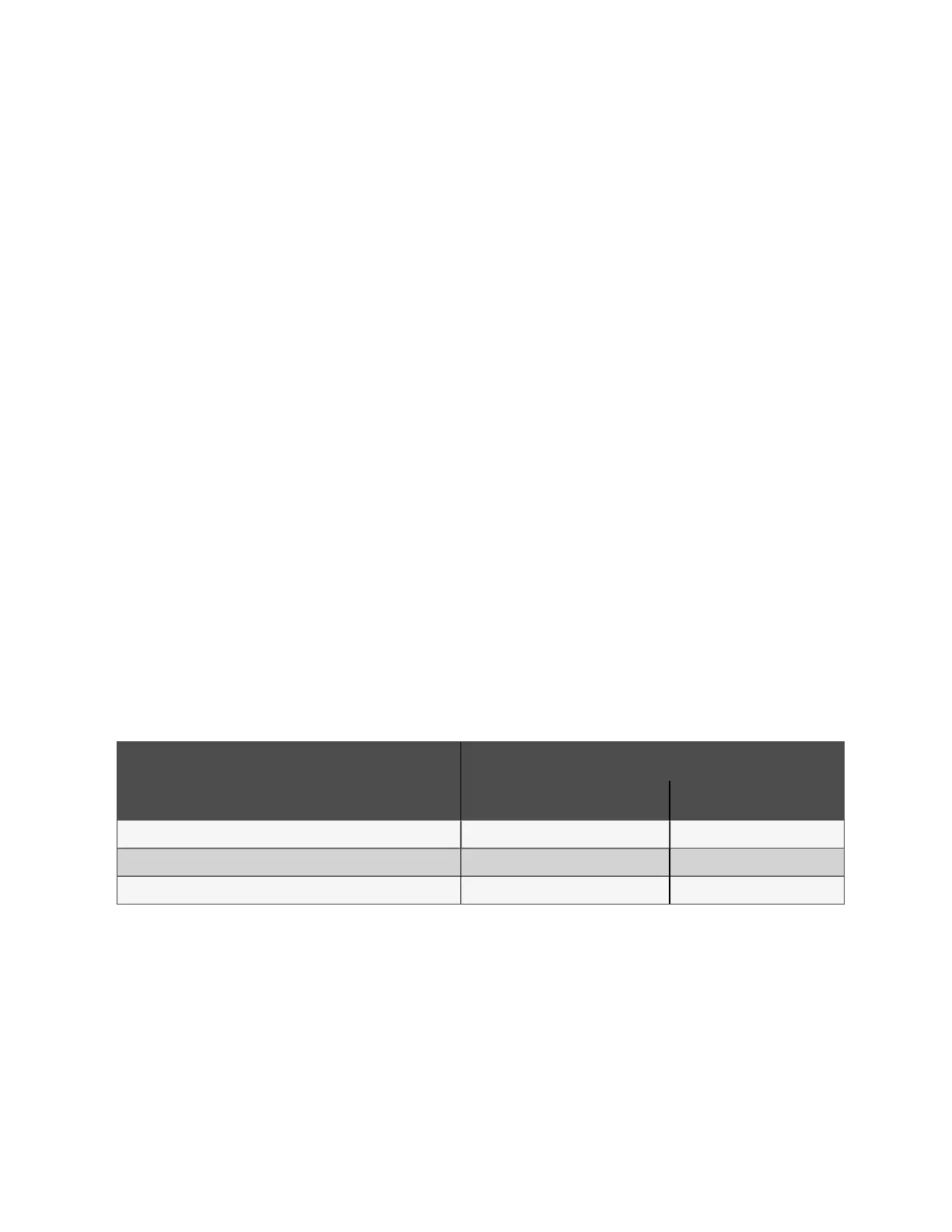
4. Complete the UPS parameter configuration according to the UPS power supply mode. See the following table for
reference.
Parameter
Configuration
Single UPS 2N UPS
Redundancy None None
System and machine several 1 1
UPS ID set 1 1 and 2
Table 6.2 UPS Parameter Configurations
6.4 Shutdown
To perform a system shutdown:
1. Power off all user IT equipment.
2. On the LCD screen, navigate to the Thermal Management settings interface and turn the air conditioner switch
button to "OFF".
3. After the air conditioning stops, disconnect the air conditioning and condenser input from the front panel of the
system.
46 Proprietary and Confidential ©2024 Vertiv Group Corp. 6 System Startup and Shutdown
Vertiv™ SmartRow™ 2 Infrastructure Solution User Guide



 To Next Page