3-54 Using the Detector
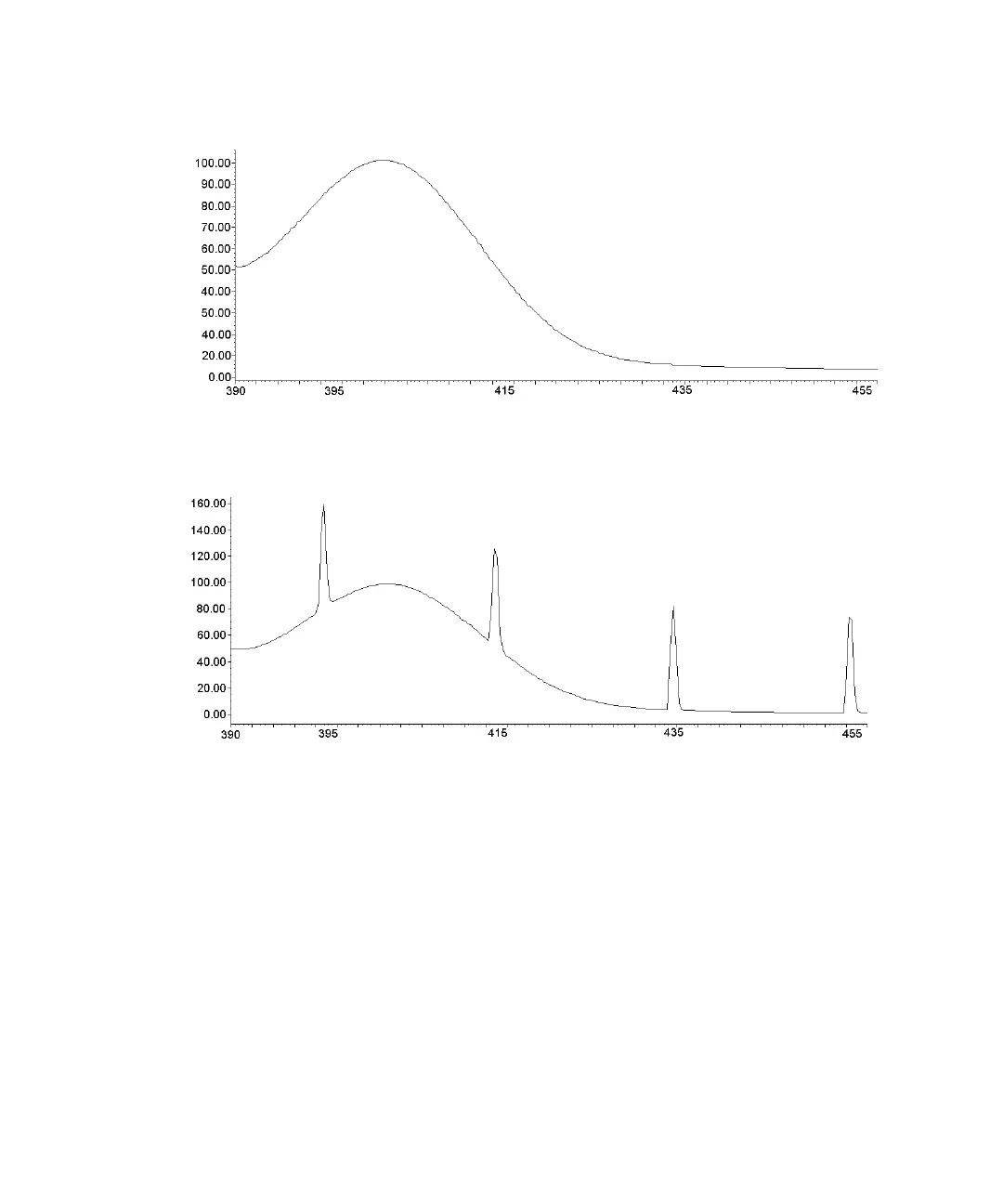
Scan of water without tick marks
Scan of water with tick marks
Enter scanning parameters when you select the type of scan, zero or sample.
Use the detector’s scan function to run a new zero or sample scan, store,
review, subtract, obtain scan information, and replay.
When you select a sample or zero-scan, the detector displays three additional
screens. You can change all parameter values on these screens, including
starting and ending wavelengths and the pace.
Wavelength (nm)
Emission units
Wavelength (nm)
Emission units



 To Next Page