Connecting other devices 2-31
Auto-zero connections
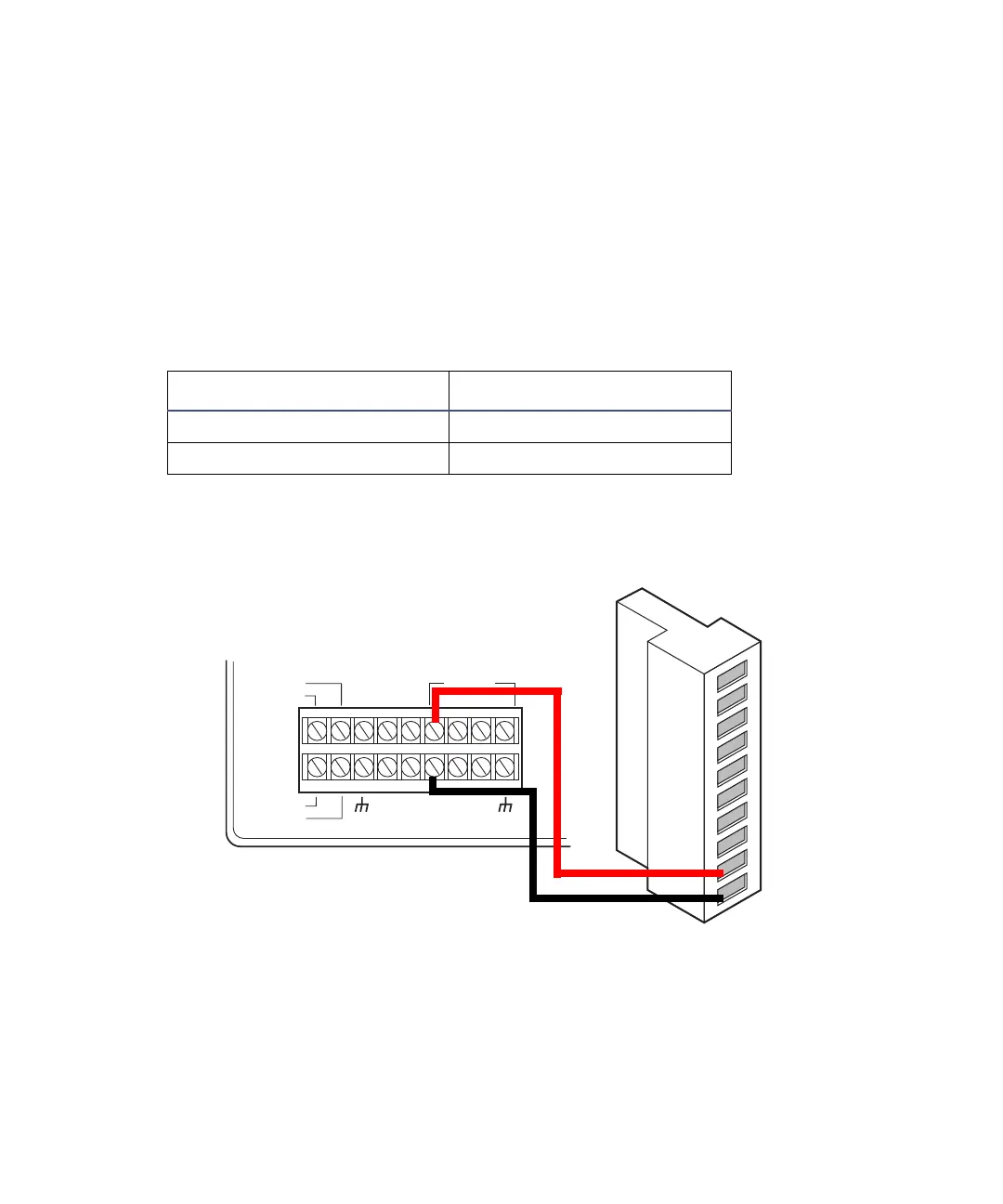
To make auto-zero connections:
1. Make the connections shown in the following table and figure with a
signal cable.
2. Program the pump to provide a pulse output on the applicable switch
(S1, S2, or S4) at the beginning of each run (see the Waters 600E
Multisolvent Delivery System User’s Guide).
Auto-zero connections for the 600-series pump
Chart-mark connections
To make chart-mark connections:
1. Make the connections shown in the following table and figure using a
signal cable.
Auto-zero connections for the 600-series pump
600-series pump terminal 2475 detector (A inputs)
S1, S2, S3, or S4 Pin 9 Auto Zero +
GND (any one of four) Pin 10 Auto Zero –
INJECT
STOP
FLOW
HOLD
S1
S2
S3
S4
SWITCHES
CHART+
PRESSURE+
CHART
_
PRESSURE
_
GND
GND
GND
GND
AUX.
+
12V
600-series pump
2475 detector
A (inputs and outputs)
1
2
3
4
5
6
7
8
9
10
+
−
+
−
+
−
+
−
Inject start 1
Inject start 1
Ground
Lamp on/off
Lamp on/off
Chart mark
Chart mark
Ground
Auto zero
Auto zero
Black
Red



 To Next Page