www.wegener.com 800009-01 Rev. J 21
iPump 6400 User’s Manual
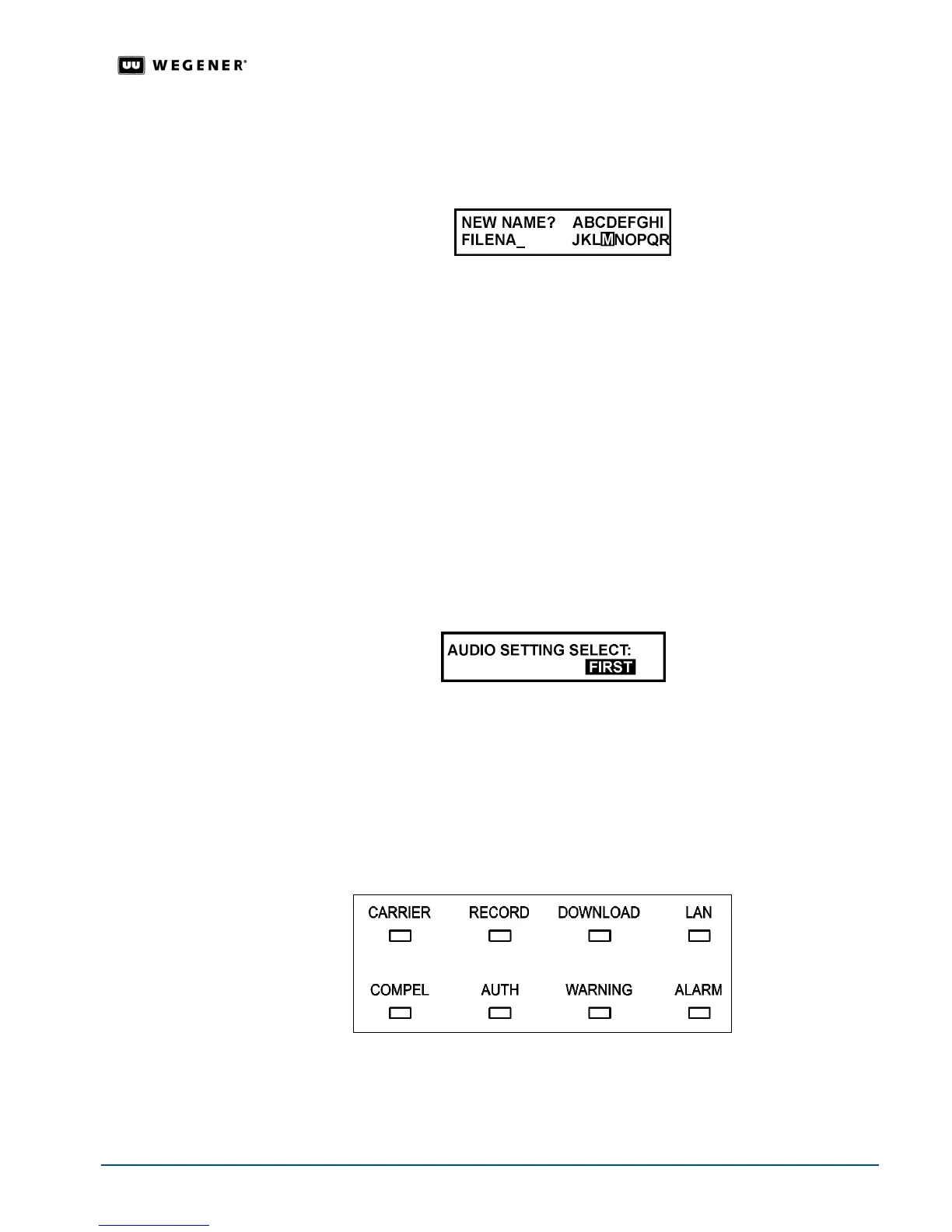
Editable Filename Field
Another type of
Editable Field appears when filenames must be entered. Figure 3.4 shows
an example of a user-input screen with an editable filename field.
Figure 3.4: Editable filename field
1. Press
ENTER
to begin spelling the filename. T
he LCD highlights the
letter
A
in the
character list.
2. Press the arrow buttons to move through the character list until the
LCD highlights
the first
character of the filename. Additional characters including numerals, decimal, space, and
hyphen appear on the LCD as you move downward through the available characters list.
3. Press
ENTER
to confirm the first character. The first character is displayed at the bottom
left of the LCD.
4. Select additional characters as in steps 2 and 3 until the LCD displays the entire filename at
the bottom left of the LCD.
5. When the LCD displays the entire filename, press
ESC
to stop editing. When prompted,
Done?
, press
ENTER
if the filename is correct or
ESC
to continue editing your entry.
Selectable Fields
Other user-input screens allow selection from a list of options.
Figure 3.5 shows an example
of a user-input screen with a selectable field.
Figure 3.5: Selectable field
1. Press
ENTER
to open the field. The current selection starts blinking.
2. To view available options one at a time, press the up or down arrow buttons.
3. To save a selection, press
ENTER
when the LCD displays the desired option. To cancel any
changes, press
ESC
before pressing
ENTER
.
LED
Indicators
These eight light-emitting diodes (LEDs) provide status information about the iPump 6400
and its processes.
Table 3.1 on page 22 provides the meaning of the color and state of each
LED.
Figure 3.6: iPump 6400 front panel LED indicators.



 To Next Page