Operation
44 800009-01 Rev. J www.wegener.com
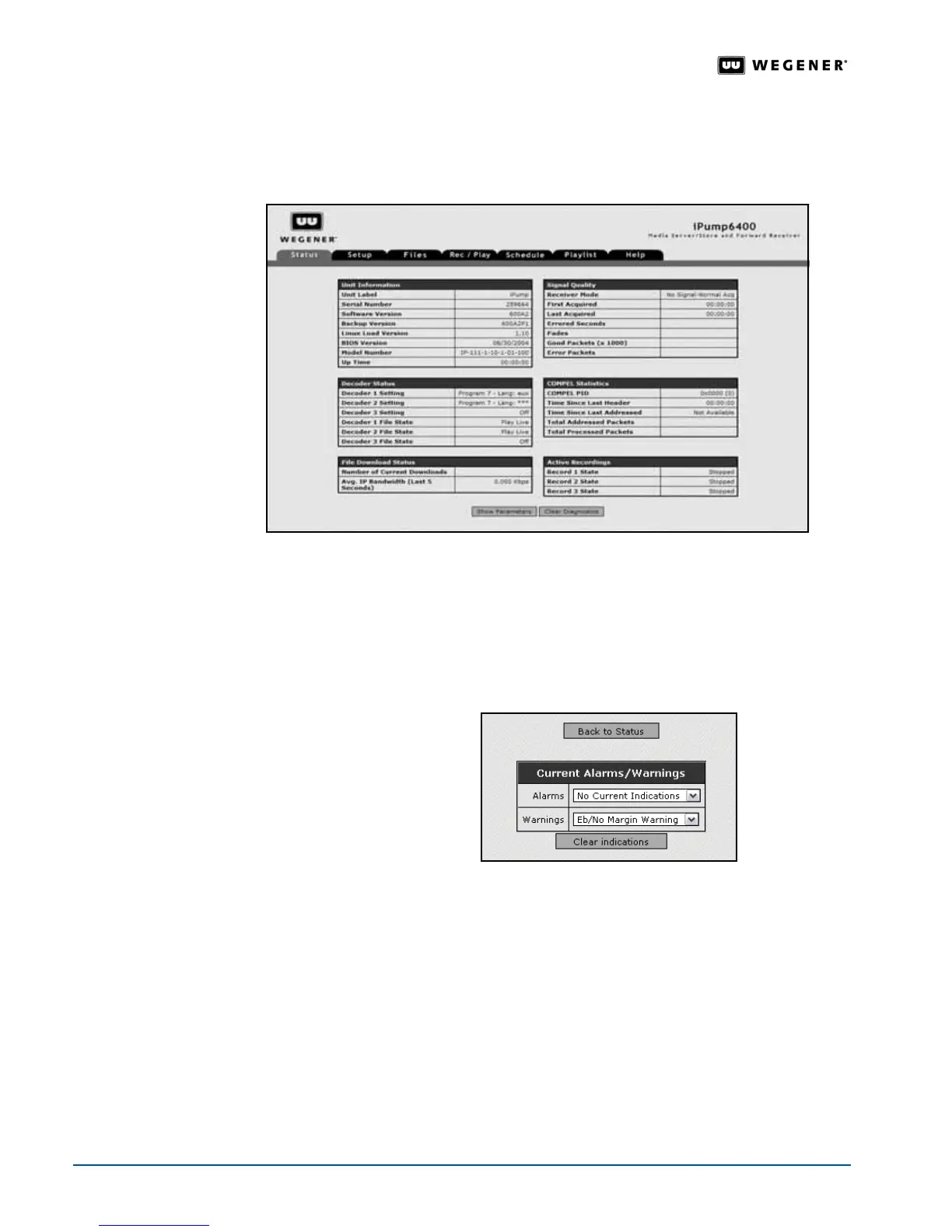
The unit’s Serial Number, Current Software Version, and Model Number are shown.
Receiver Mode, Signal-to-noise Ratio, Decoder States and Settings, Packet Counts, and
Record activities are also displayed and refreshed every few seconds.
Figure 3.22: iPump 6400 web browser Status tab
Monitor Alarm
and Warnings
The iPump 6400 allows you to view current alarm and warning indications, and remove
certain alarm and warning indications after they are acknowledged.
Monitor and clear
iPump 6400 alarm and warning indications as follows:
1. From the
Status
tab, click the
View Alarms/Warnings
button.
2. The
iPump 6400
displays the
Current Alarms/Warnings
lists. Click the
Alarms
or
Warnings
arrows to view the
alarm and warning indications.
3. Click the
Clear indications
button to remove all acknowledged alarms and warnings. The
iPump 6400
displays a pop-up alert noting that all acknowledged alarms and warnings are
cleared. To return to the
Status
tab, click
OK
.
Live Program
Play
When set up for live program play, the iPump 6400 decodes an incoming MPEG stream
from the received DVB satellite signal and decrypts and decodes the audio and/or video
from the selected program to the connected audio and video monitors. Two live programs
from the same DVB carrier may be played simultaneously if your
iPump 6400 has the
optional second decoder.
Checklist for Live Program Play
Before starting live program play, ensure that these settings are appropriate and active:



 To Next Page