www.wegener.com 800009-01 Rev. J 55
iPump 6400 User’s Manual
Saving a playlist
To save or duplicate an open playlist:
Deleting a playlist
To delete an open playlist:
1. On the menu bar, click
Delete
.
The browser opens a question box asking:
Are you sure you want to delete the current playlist (name)?
.
2. Click
OK
to delete the playlist.
The browser displays:
Successfully DELETED playlist "name" above the playlist bar.
or
Click
Cancel
, t
o stop the playlist deletion and
return to the
Playlist Builder
.
Procedures for editing playlists
All of the following procedures begin from
the
Playlist
tab on the web browser.
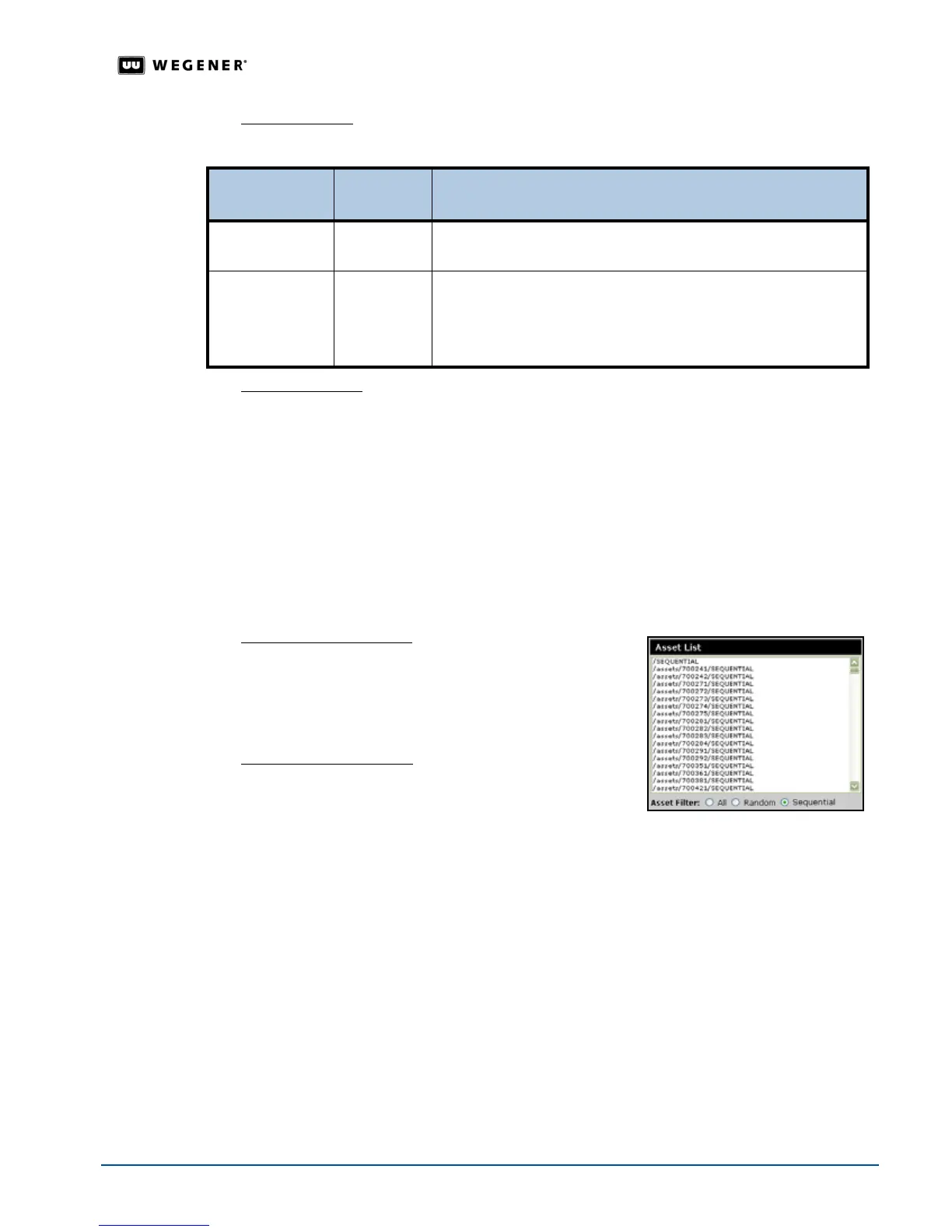
Navigating the Asset List
1. From the Asset Filter, select either
All
,
Random
, or
Sequential
. See
Random and sequential tags
on
page 54.
2. Use the scroll bar to view all of the available items.
Adding items to a playlist
To add items to an open playlist:
1. Select a single item or multiple items using
Ctrl-click
to
select nonadjacent items or
Shift-click
to select
adjacent items.
2. Click the
Insert
button.The
Playlist Builder
moves the selected items to the active playlist.
To...
On the menu
bar, click,
The Playlist Builder...
save the playlist
Save
saves the playlist. The browser displays:
Saved playlist [name] successfully...returning to editor
duplicate the
playlist
Save As
1.opens a text box for the playlist name.
2.Enter the playlist’s name in the text box and click
OK. The
browser displays:
Saved playlist [name] successfully...returning to editor



 To Next Page