www.wegener.com 800009-01 Rev. J 49
iPump 6400 User’s Manual
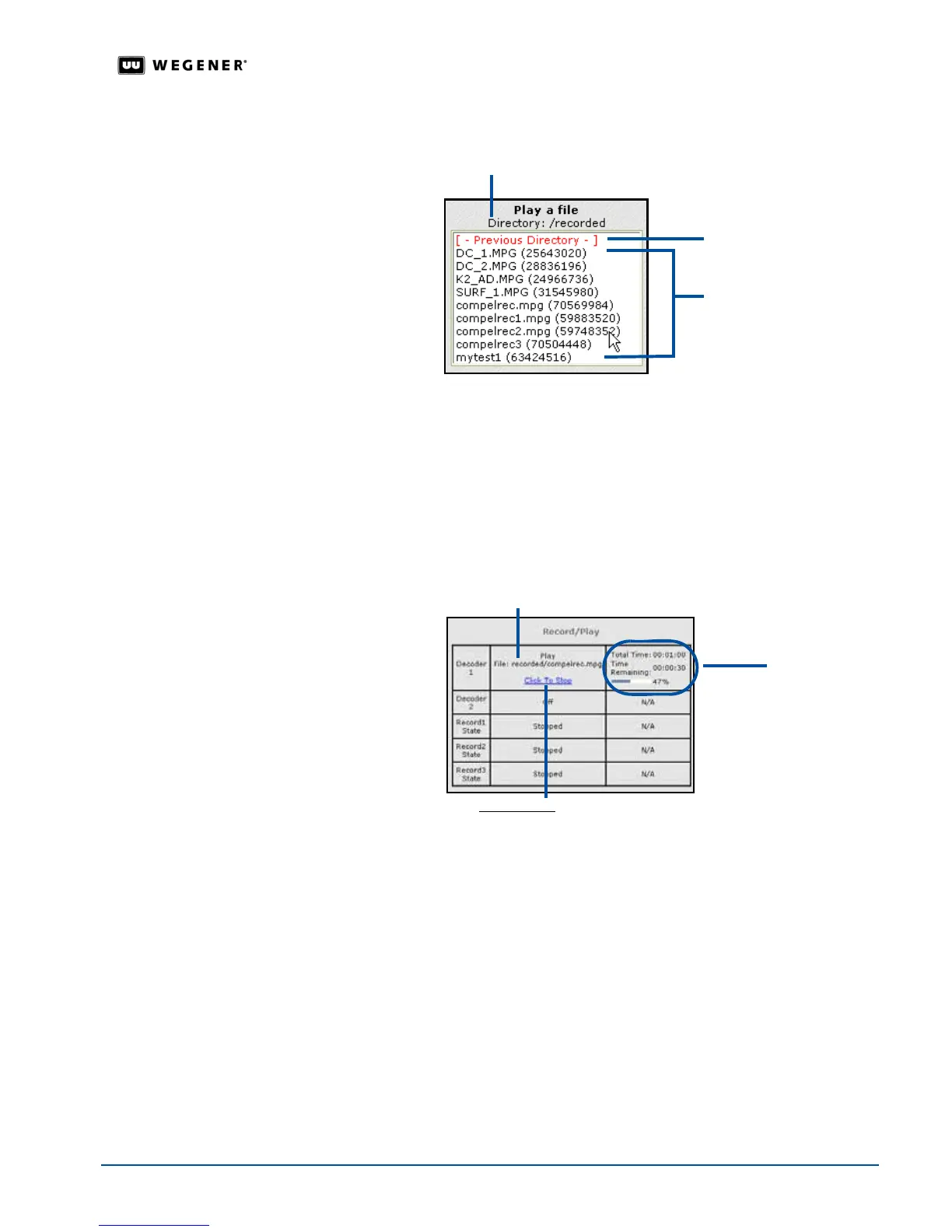
!"To view file names in the next lower directory, double click any selection displayed in red
text inside square brackets (such as [directoryname] ).
5. Click one of the
Play to Decoder (#)
buttons to immediately begin playing the file or playlist
through the desired decoder. The
Record/Play
chart on the left displays the name and time
remaining of the selected file or playlist.
Note:
The
Play to Decoder 2
option is for dual-decoder
iPump 6400
s. The
Play to Decoder
3
option is for
iPump 6400
s with an external decoder for the SMD 515 connected to
your LAN.
6. To stop playing a file or playlist before it has finished, click the
Click to Stop
hyperlink under
the
Record/Play
chart.
File
Management
Use the following steps to view, delete, or rename files.
1. Click the
Files
tab from the web browser.
Current directory
Higher directory
List of files
Active playlist or file
Click to Stop
hyperlink
Time
remaining



 To Next Page