www.wegener.com 800009-01 Rev. J 45
iPump 6400 User’s Manual
!"RF input and audio and/or video output connections are set. The CARRIER light should be
a constant green. See
iPump 6400 front panel LED indicator descriptions on
page 22.
!"Transport In Settings are selected. Verify that Downlink Frequency, Transport Data
Rate, FEC Ratio, and Program Number have been properly selected before playing a
live program. See
Procedure for adjusting Transport In Current Channel settings
on page 28.
!"Satellite Receive Settings options selected from the web browser. See Satellite
Receive Setup
on page 39.
Procedure for Live Program Play
If
your iPump 6400 has additional decoders, repeat the steps below using
the
Edit
button for
Decoder 2
or
Decoder 3
.
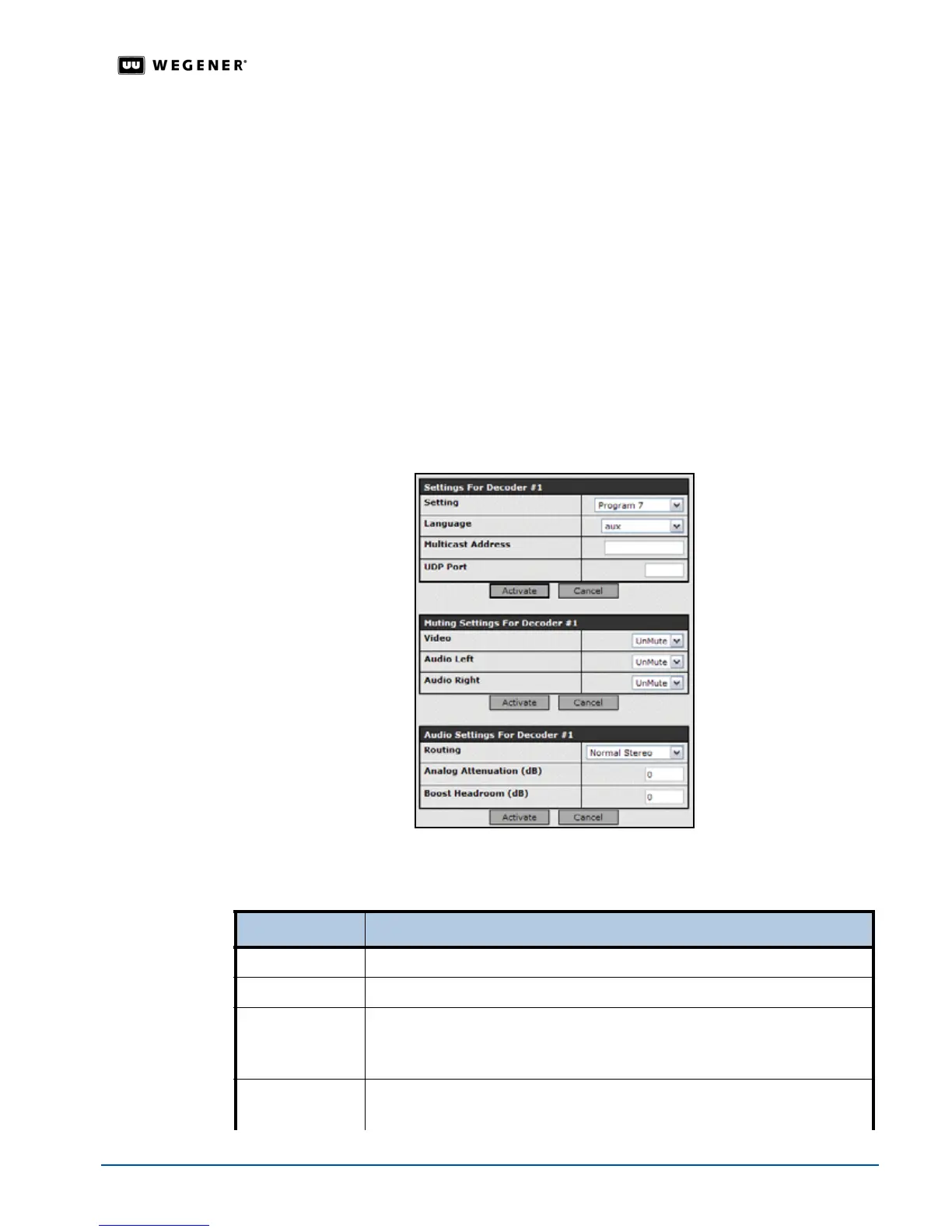
Note: Each grouping of parameters are setup independently. Selecting Activate or Cancel
returns you to the previous screen.. Any activated changes take effect immediately.
1. From the
Setup
tab, select
Decoder 1
and then click the
Edit
button under
Settings for
Decoder #1
.
2. From the
Setting
list, select a
DVB
program. The descriptions are in the table below.
Table 3.11: DVB programs
Setting Function
Off Stops live program playing
Follow Tune
Plays whatever DVB program is selected under
Satellite Receive Setting
SAT IP Multicast Plays the first audio content if more than one is detected in the satellite stream.
If selected, also set the UDP Port and Multicast Address.
To play satellite
multicast streams, the IP settings must be set, see
IP Setup on page 39.
LAN IP Unicast Plays the first audio content if more than one is detected in the LAN stream.
If selected, also set the UDP Port.



 To Next Page