Operation
34 800009-01 Rev. J www.wegener.com
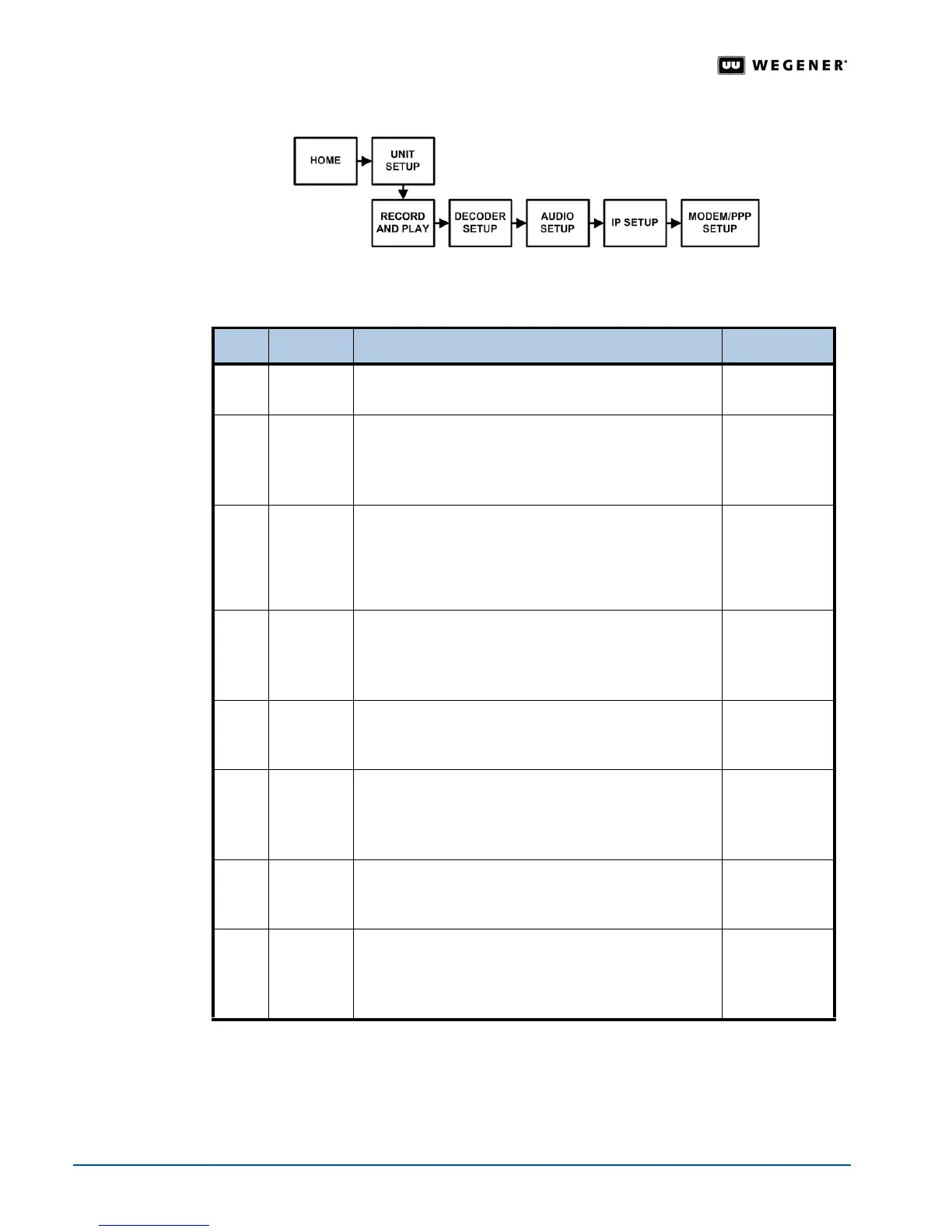
Figure 3.18: LCD menu navigation to Modem screen
Modem Setup Begin from the Modem Setup screen.To change the screens, see Editable Data Fields on
page 20
and Selectable Fields on page 21.
Step Press Displayed/Field Details Screen Type
1.
ENTER PHONE NUMBER
PRESS<ENTER>
Menu
2.
ENTER PHONE NUMBER
xxx-xxx-xxxx
Select numbers until the phone number used by the
modem is complete.
Editable
3. $#
DIAL OUT PREFIX <ENTER>
The prefix code disables any phone features such as
call waiting. Press ENTER and select numbers or
characters until the prefix code for the phone number
is complete.
Editable
4.
ESC DONE? <YES> <NO - ESC>
_________________
Press ENTER to confirm the phone number or ESC to
return to the DIAL OUT PREFIX screen.
Selectable
5. #
PPP USERNAME <ENTER>
Press ENTER and select characters until the
username is complete.
Editable
6.
ESC DONE? <YES> <NO - ESC>
_________________
Press ENTER to confirm the username or ESC to
return to the PPP USERNAME screen.
Selectable
7. #
PPP PASSWORD <ENTER>
Press ENTER and select characters until the password
is complete.
Editable
8.
ESC DONE? <YES> <NO - ESC>
_________________
Press ENTER to confirm the username or ESC to
return to the PPP USERNAME screen.
Selectable



 To Next Page