Operation
36 800009-01 Rev. J www.wegener.com
SMB Screen
Setup
Begin from the SMB Setup screen.
Screen Park
Setup
After a period of inactivity, the iPump 6400 front panel display returns to the home screen.
The
Screen Park feature allows you to "park" the LCD screen to any front panel display. An
example of this feature’s use is to park the LCD screen on the current time display so that
the time is in view until the front panel is used for another function.
To enable
Screen Park:
1. Navigate to the desired front panel screen.
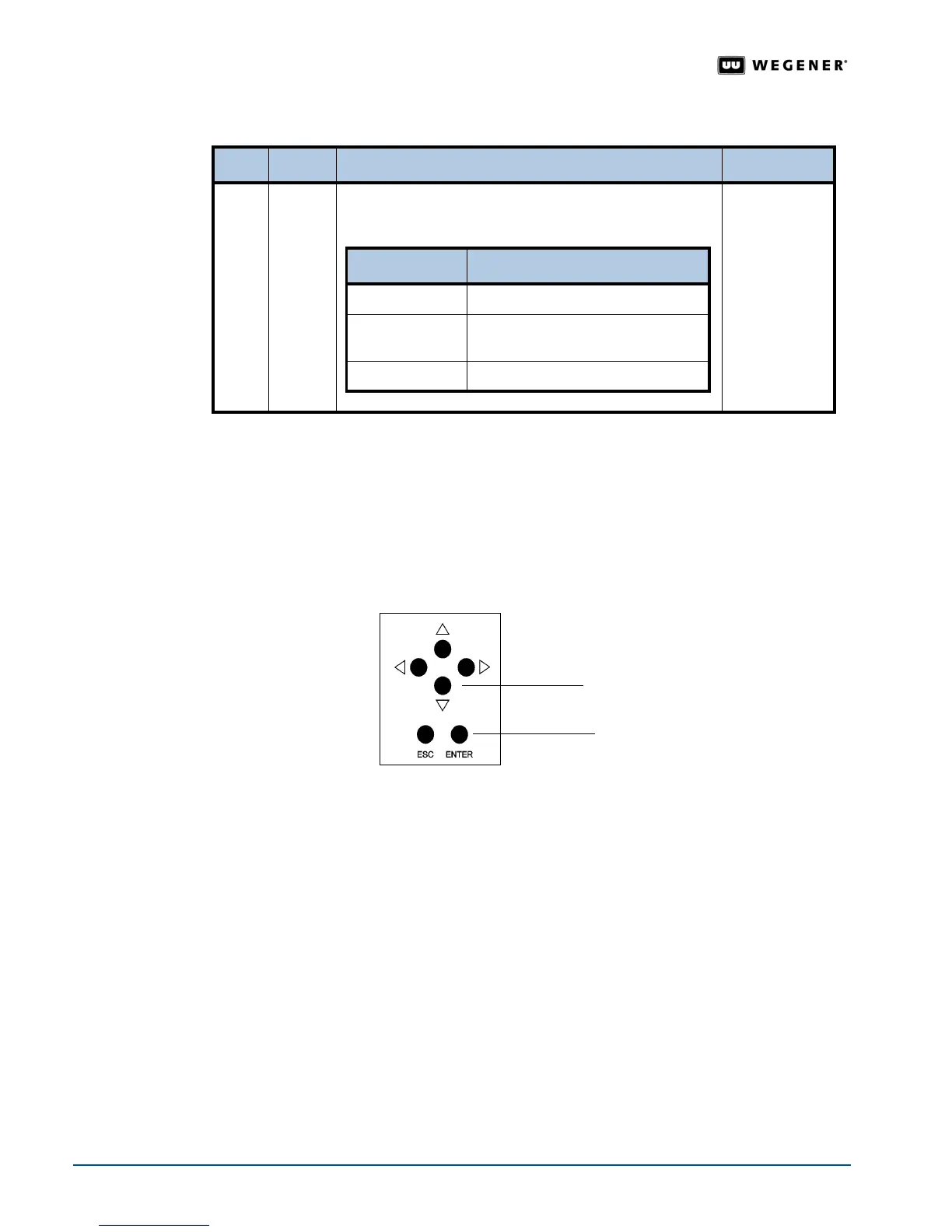
2. Press and hold the down arrow push button and then also press the
ENTER
push button.
The LCD screen displays:
Screen PARK is ENABLED
.
To disable Screen Park:
1. Press any key. The LCD screen displays:
Screen PARK is DISABLED
.
Note: A system shutdown or reboot automatically disables the screen park feature.
3.8 Web Browser Initial Setup
The web browser attached to the iPump 6400 via an Ethernet allows you to perform most
iPump 6400 functions. This section provides an overview on the setup configurations
available from the web browser. To view specific operations available through the web
browser, see
3.9 iPump 6400 Operations by Function on page 43.
The iPump settings can only be changed if local control is enabled by your
Compel Network
administrator.
Access the
Setup Tab
1. Enter the
iPump 6400
's IP address in the address bar of the web browser.
2. Click the
Setup
tab. The browser displays the
Setup
tab drop-down menu.
Step Press Displayed/Field Details Screen Type
1.
ENTER SMB SETTINGS
SELECT: <READ ONLY> <FULL ACCESS> <OFF>
Selectable
SMB Setting Description
Read Only
Allows users read-only permissions
Full Access
Default setting that allows users full
read/write permissions
Off
Stops SMB service
down arrow
push button
ENTER
push button



 To Next Page