Operation
52 800009-01 Rev. J www.wegener.com
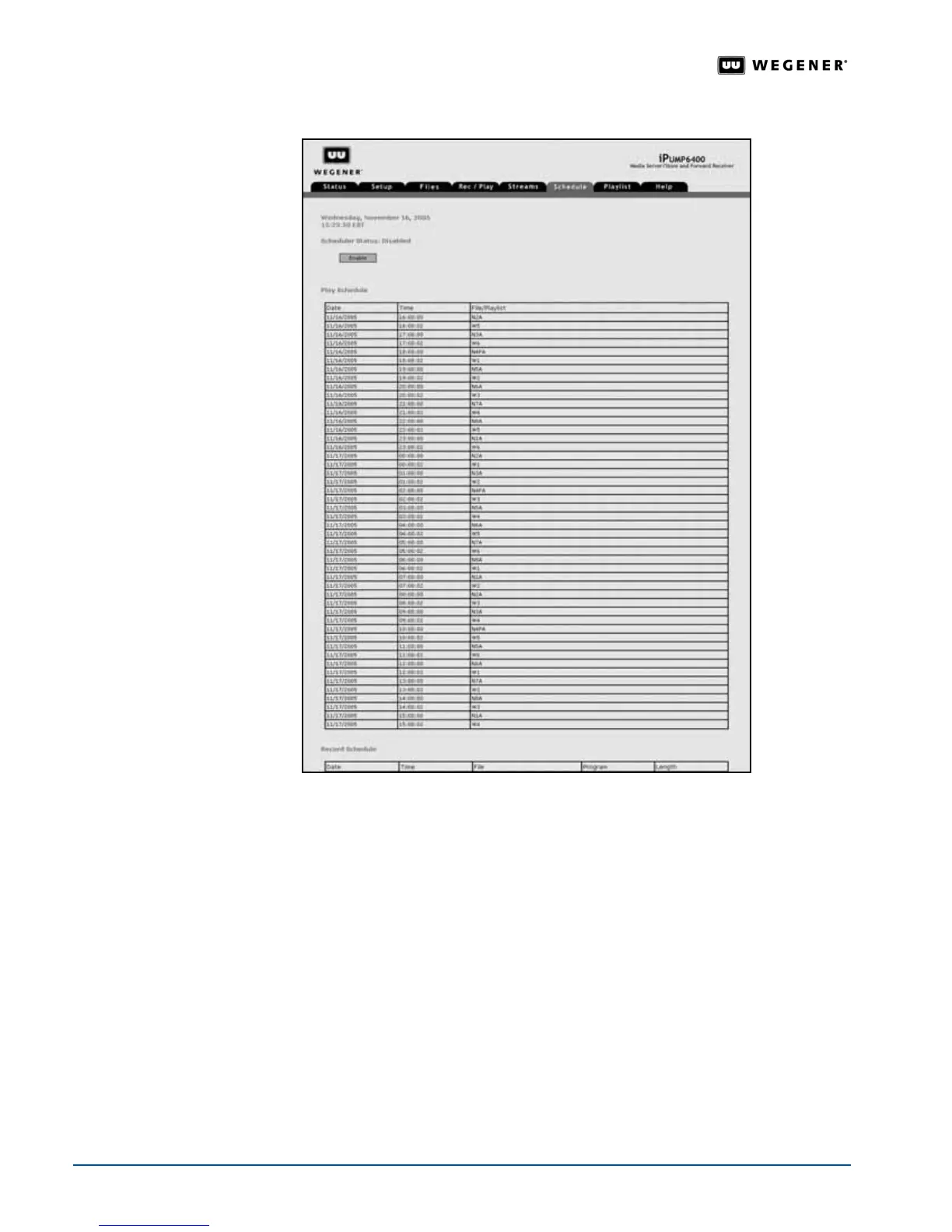
Figure 3.26: iPump 6400 web browser Schedule tab
Playlist
Management
With iPump 6400 playlists, you can set up and play a stored sequence of items without
interruption. Playlists are stored in nonvolatile memory so that they remain available after
the unit restarts. In the context of the
iPump 6400 playlists, an item is a single media file. A
playlist consists of one or more items that are played from beginning to end in sequential
order.
The
iPump 6400 can store up to 2,000 playlists with each playlist containing up to 2,000
items. Available items to add to a playlist are found in the
Asset List.
Note: "Loss of service" occurs when the RF signal drops below a minimum threshold or
the feed is lost entirely. Loss of service does not affect a currently playing item or
playlist, but does interrupt the play of a live program or multicast stream. When loss
of service happens, the
iPump 6400 plays a user-defined playlist named LOS until
service returns for the live program or multicast stream.



 To Next Page