www.wegener.com 800009-01 Rev. J 41
iPump 6400 User’s Manual
5. To save your changes, click the
Activate
button. Any changes take effect immediately. To
discard any changes, click the
Cancel
button.
Selecting Activate or Cancel
returns you to
the previous screen.
SNR Alarm
Warnings
Setup
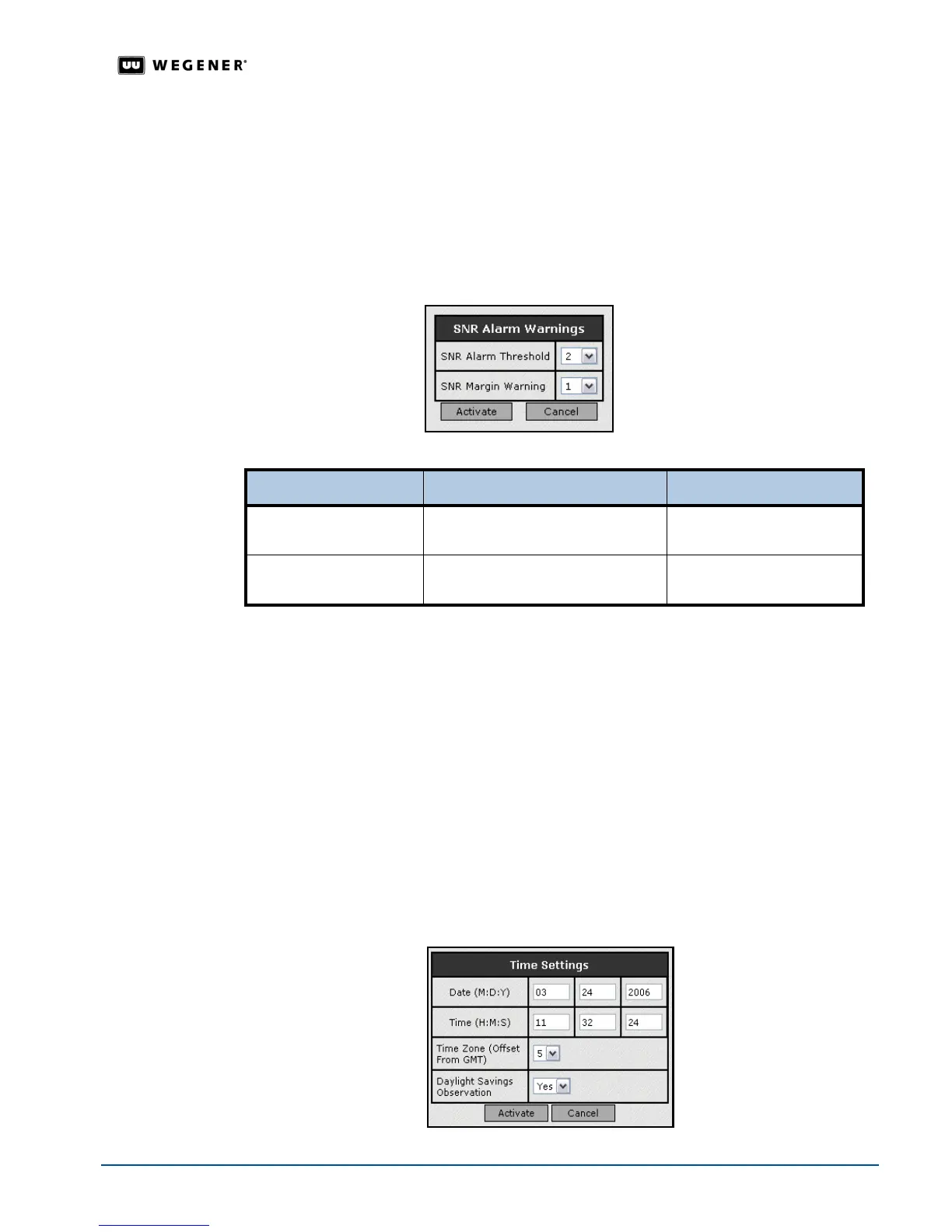
Set the iPump 6400 to configure "trip points" at which Alarm or Warning indications are
triggered when the RF signal yields low or marginal Eb/No readings.
1. From the
Setup
tab, select
Transport Input
from the
Setup
tab’s drop-down menu.
2. Click the
Edit
button under SNR Alarm Warnings to change that group of
parameters.Update the parameters by selecting options from the drop-down boxes.
Note: The sum of the selected Alarm Threshold and Margin Warning values cannot
exceed 12dB
3. To save your changes, click the
Activate
button. Any changes take effect immediately. To
discard any changes, click the
Cancel
button.
Selecting Activate or Cancel
returns you to
the previous screen.
Date / Time
Setup
When operating under the Compel network, date and time settings are overwritten by
Compel. Time zone and DST (Daylight Savings Time) settings, however, remain under local
control and should be set by the user.
1. From the
Setup
tab, select
System
from the
Setup
tab’s drop-down menu.
2. Click the
Edit
button under
Time Settings
to change that group of parameters.
3. Update the date and time by changing the text in the text boxes. To designate the time
zone, select the number of hours it is from Greenwich Mean Time. Select
Yes
if the time
zone observes DST or
No
if the time zone does not observe DST.
Parameter Value Range
SNR Alarm Threshold EbNo alarm threshold in dB Trip points range from 2dB
to 11dB
SNR Margin Warning Eb/No margin warning zone in dB Margin values range from
1dB to 10dB



 To Next Page