Operation
54 800009-01 Rev. J www.wegener.com
Looping Styles
A looping style determines how an immediate playlist repeats itself or specific items. A
timed playlist ignores looping styles. To set a looping style, see
Play Recorded Program File
on page 48.
Immediate playlists support one of these looping styles:
Random and sequential
tags
The Asset Filter allows you to view the Asset List by all items in the directory, or list
directories by the
Random or Sequential tags.
When you add an item
using the Random tag to your playlist, the iPump 6400 arbitrarily
selects an item to play from the selected directory. The item selection is not completely
random since the
iPump 6400 will not select the last played randomly selected item.
When you add an item
using the Sequential tag to your playlist, the iPump 6400 plays the
items in order from first to last and then looping back around to the first item in the directory
for each pass of the item in the playlist.
Note: In a
Loop on Last playlist, when the last item has either a Random or Sequential
tag, then the last item follows the normal Random or Sequential pattern.
Note: When the playlist contains random or sequential items, the
Total Time listing on the
playlist bar is inaccurate and is followed by two asterisks.
Playlist
Procedures
Procedures for opening, creating, saving, and deleting playlists
All of the following procedures begin from
the
Playlist
tab on the web browser.
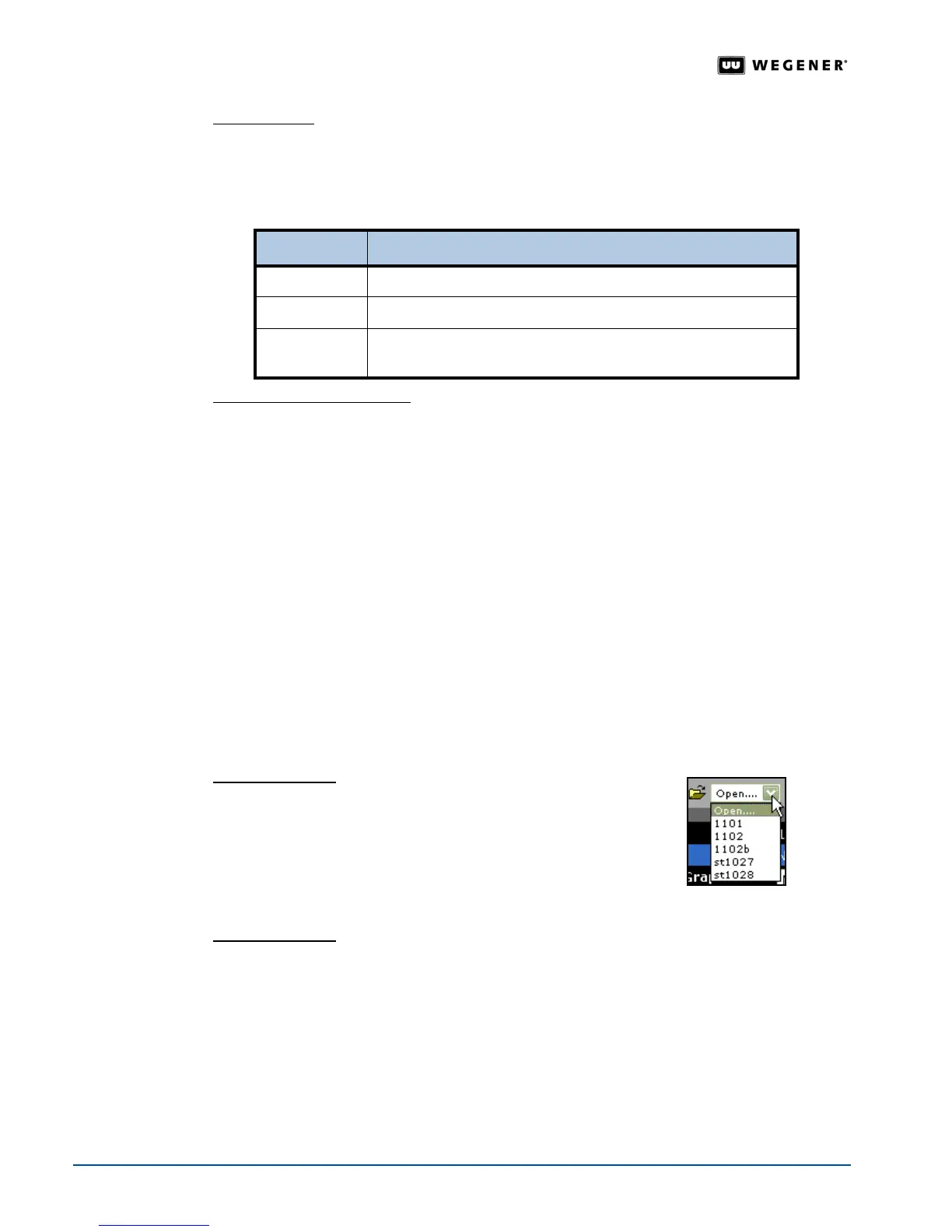
Opening a playlist
1. On the menu bar, click the
Open
list.
The Playlist Builder lists
the available playlists
2. Select an available playlist. The
Playlist Builder
opens the
playlist and displays it in the active playlist.
Note: If no available playlists exist, then you must create one.
Creating a playlist
1. On the menu bar, click
New
.
The browser opens a text box for the playlist name.
2. Enter the playlist’s name in the text box and click
OK
.
The Playlist Builder displays the
playlist name in the playlist bar.
Note: Now you can
Save, Delete, or Edit a playlist.
Looping style Function
Loop on Last
repeats the last item in the playlist until stopped by the user
Loop Forever
repeats the entire playlist until stopped by user
Loop N Times
repeats the entire playlist "N" times for the number of times
entered in the
Loop N Times box



 To Next Page