Operation
60 800009-01 Rev. J www.wegener.com
iPump 6400
Help
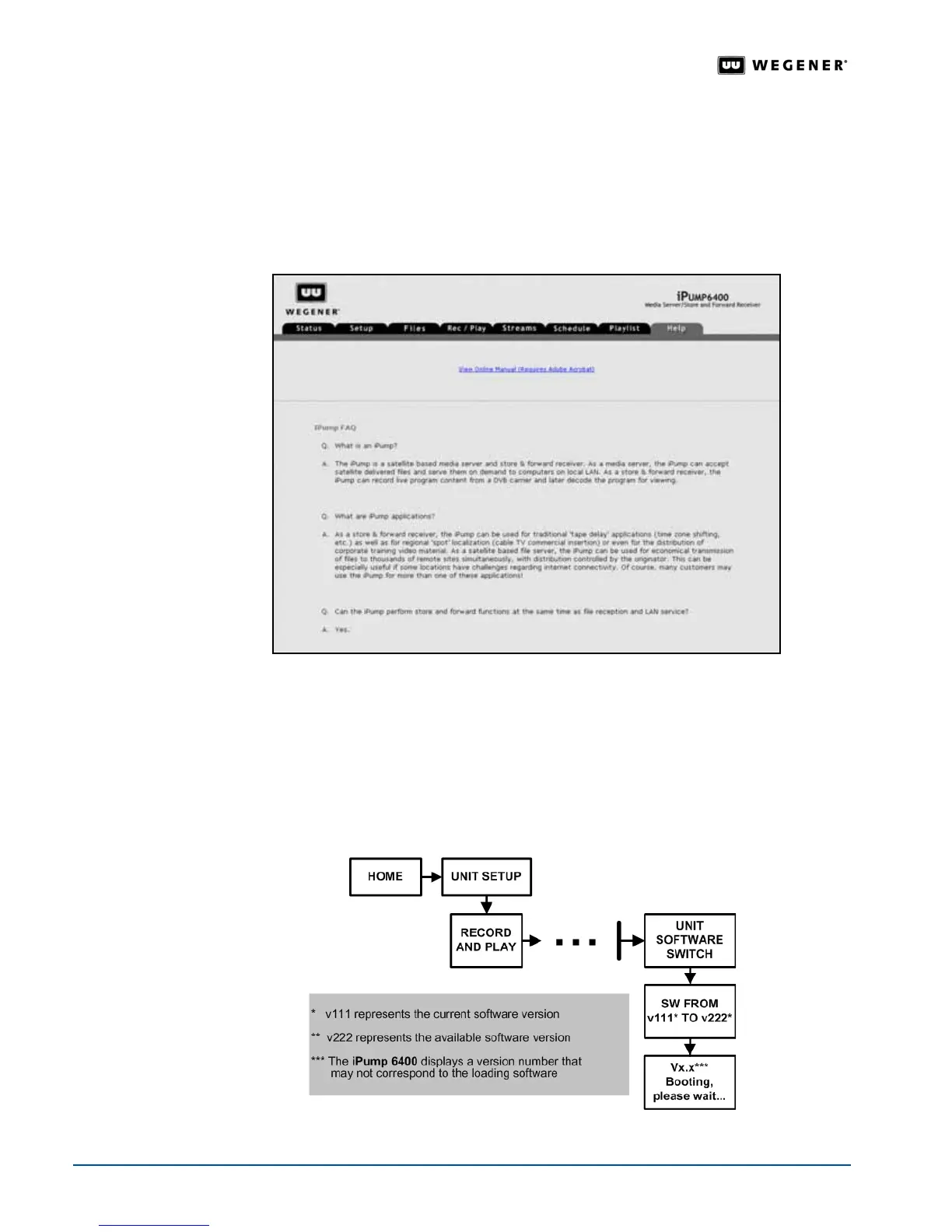
For answers to frequently asked questions or the current manual in PDF:
1. Click the
Help
tab on the web browser.
2. To view the FAQs, use the scroll bar on the right side of the browser.
3. To view the manual in PDF, you must have Adobe Reader® installed. (Download for free at:
www.adobe.com). Click the
View Online Manual
hyperlink to open the PDF.
Figure 3.29: iPump 6400 web browser Help tab
3.10 Unit Software Switch
Software
Switch
Procedure
The Unit Software Switch function is only available from the iPump 6400 front panel.
Figure 3.30 and Table 3.13 detail the procedure to switch between versions of application
software loaded on the
iPump 6400.
Figure 3.30: Menu navigation to switch unit software



 To Next Page