www.wegener.com 800009-01 Rev. J 63
iPump 6400 User’s Manual
CHAPTER 4 MAINTENANCE AND TROUBLESHOOTING
4.1 Maintenance
Maintenance of the iPump 6400 is limited to keeping the chassis clean and ensuring that
cables remain firmly connected. Occasionally wipe the exterior with a soft, damp cloth to
remove any accumulated dust and dirt and check that cables are securely attached.
The
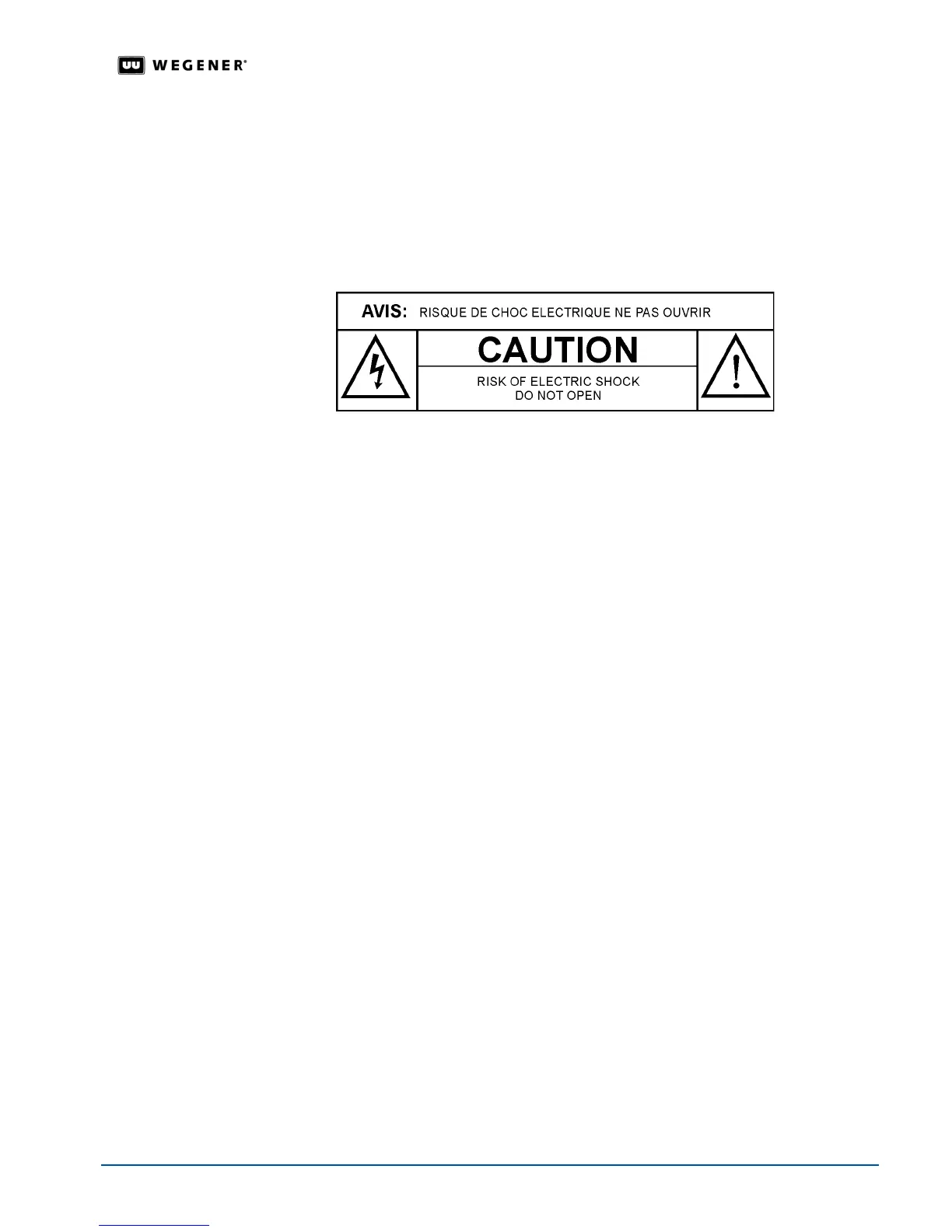
iPump 6400 incorporates security labels over some of the screws. There are no user-
serviceable components within the
iPump 6400. Tampering with the security labels or
opening the unit will void your warranty. If you have any questions, contact
WEGENER’s
Customer Service Department
at the address or numbers listed under Customer Service.
4.2 Troubleshooting
This section is not intended as an exhaustive list of all possible situations. Please contact us
(see
Chapter 5 Customer Service on page 67) with any problems you cannot resolve
independently.
If you are experiencing any difficulties, first check the LCD and LED indicators on the
iPump
6400
to determine if any warnings or alarms are active. See Table 4.1: iPump 6400 LED
indicator descriptions on page 64
for descriptions of LED states.
No Functions
At All
If the unit is not functioning at all and neither the LCD nor any LEDs are lit, there may be a
loss of ac power. Do the following:
1. Check that the power switch is set to the
ON
position. See
Figure 2.2: iPump 6400 rear-
panel connector locations
on page 13.
2. Check that ac power cord is firmly connected at both ends.
3. Check that your ac power source is supplying ac power.
4. Press the
ENTER
button on the front panel.
No Output If the unit is receiving power and there are no alarm or warning conditions indicated by the
front panel, but there is still no output, check your monitoring equipment for proper function.
Also check to determine whether the program or file is "blank".
Trouble Using
Browser
Interface
If the iPump 6400 appears to be functioning normally with no alarm or warning conditions,
but you cannot use the web browser interface, first check that you are using the correct IP
address. (See
Web Browser Operations Startup on page 24.)
If the address is correct, but the interface still does not function, check your computer’s IP
settings and consult your network administrator for additional help.



 To Next Page