www.wegener.com 800009-01 Rev. J 53
iPump 6400 User’s Manual
From the Playlist tab on the web browser, you can:
!"open, create, save, or delete playlists
!"edit playlists by adding, deleting, or moving items from the Asset List
!"customize playlists with a description, alias, on-screen graphic, and/or start time
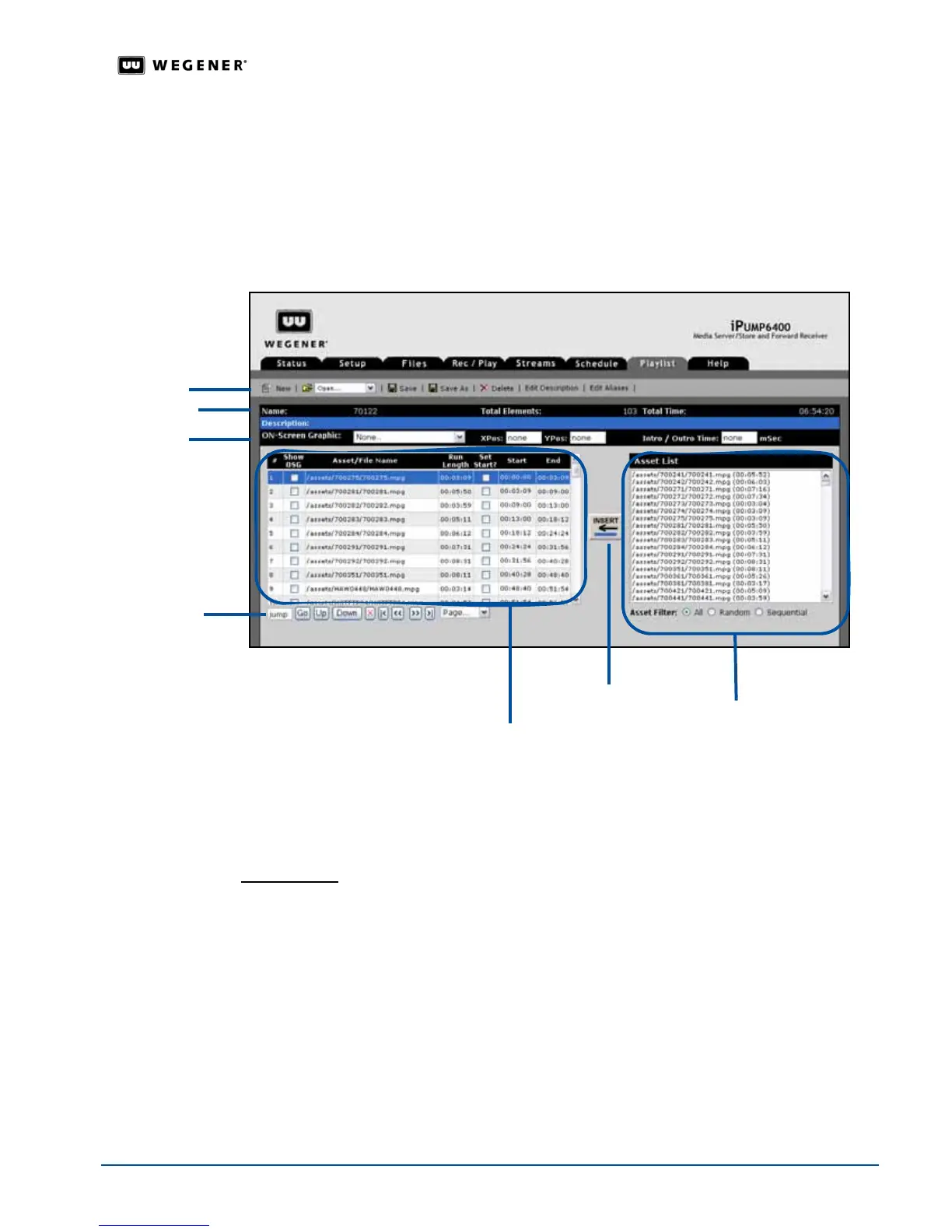
To view the Playlist Builder, click the Playlist tab
on the web browser.
Figure 3.27: iPump 6400 web browser Playlist tab
About Playlists
Accessed from the
Playlist tab
on the web browser, t
he Playlist Builder allows you to create
either timed or immediate playlists with any available items from the
Asset List.
Playlist styles
The iPump 6400 supports two styles of playlists:
!"timed
!"immediate
Timed playlists have a specific start time (for example, 1:00 am). As a permanent source for
the
iPump 6400, a timed playlist resumes playing after a power outage. See Setting a start
time for a playlist
on page 59.
Immediate playlist’s items do not have set times and are considered a temporary source
since they do not resume play after a power outage except when the playlist’s looping style
is
Loop Forever. When a playlist’s looping style is Loop Forever, the iPump 6400
recognizes the playlist as a permanent source and begins playing from the beginning of the
playlist when the
iPump 6400 restarts.
active playlist
menu bar
playlist bar
OSG bar
Asset List and
Asset Filter
Insert button
playlist
navigation
tools



 To Next Page