Version 18-01 · 9401-191-003-EN · Exclusive and IS 600 E
Page 16
2017-01-11
15:32:15
0000 ml
1
(180 °C) 150 °C
to 2 25%
01: 8:00 min 5:20
02: 0:00 min 0:00
03: 0:00 min 0:00
05: 0:00 min 0:00
04: 0:00 min 0:00
2017-01-11
15:32:15
1
3
Enter time
8:00 min
2017-01-11
15:32:15
1
1
Continue: “Stopwatch” menu (with Dibas 64 blue/Euromat 64)
■ Select the “Stopwatch” menu.
■ Make the selection with the slider / rotary button.
■ Choose the desired load.
■ Use the slider/rotary button to go to the required parameters
(e.g. temperature, motor speed...)
■ Enter the desired values and settings.
→ The system applies the settings of the parameters for all loads.
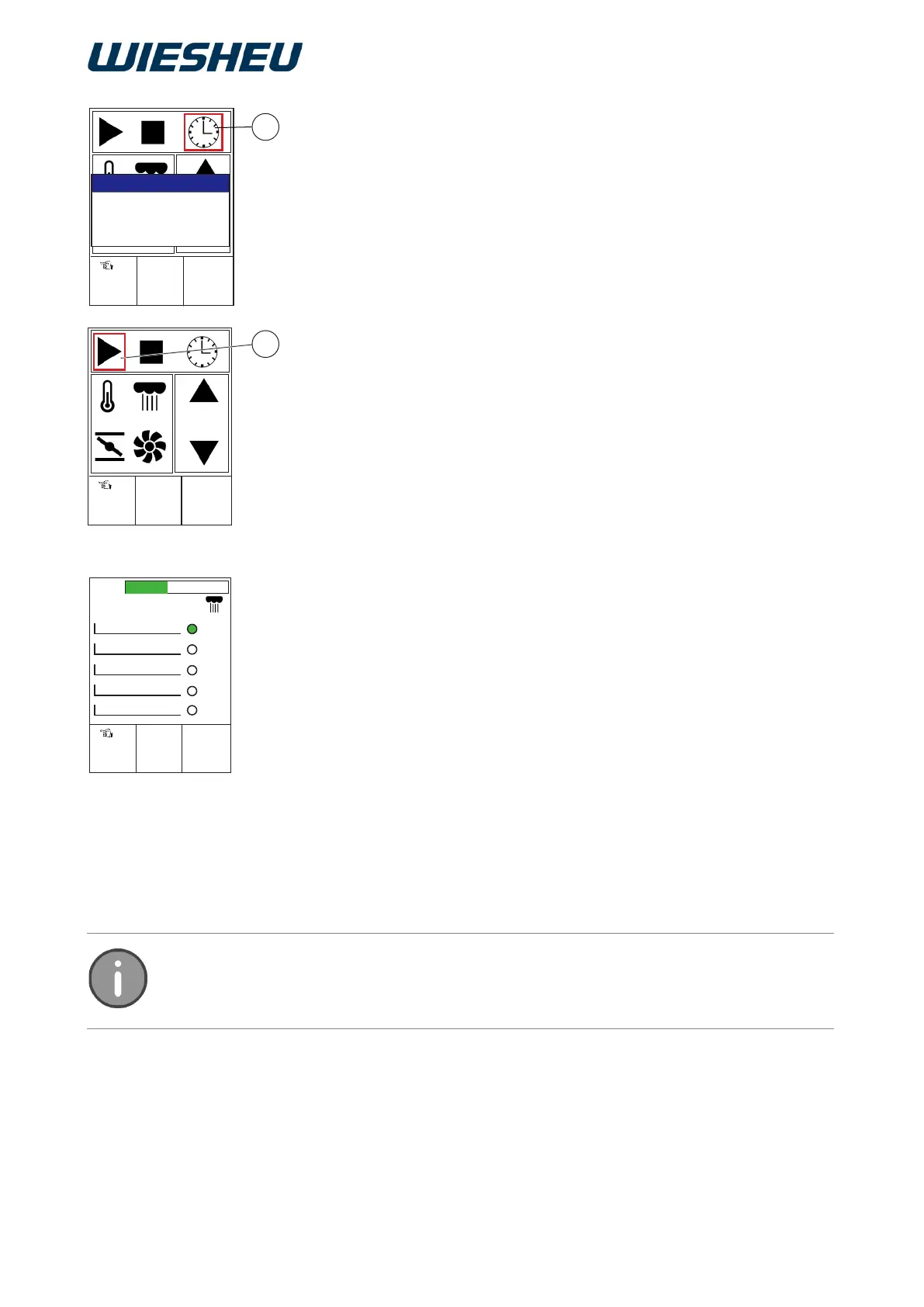
■ Use the slider/rotary button to choose the “Clock” icon (3).
■ Enter the time for the selected load.
■ Confirm your input.
■ Use the slider/rotary button to choose the “Start” icon (1).
■ Press the “ON / OFF” button.
→ The selection is conrmed.
→ The timer starts to count down.
■ Press the “C” button.
→ The system shows an overview of all the loads on the display.
Selection using the touch display (Exclusive):
■ Use your finger to touch the desired symbol on the touch display.
■ Use the slider/rotary button to enter the values for the parameters.
→ The system applies the settings of the parameters for all loads.
■ Use your finger to touch the “Clock” icon (3)
■ Enter the time for the selected load.
■ Confirm your input.
■ Use your finger to touch the “Start” icon (1).
→ The timer starts to count down.
■ Press the “C” button.
→ The system shows an overview of all the loads on the display.
In this menu you can set the time from 1 - 240 minutes. The time setting is made in
10-second increments.



 To Next Page