Product Manual - ZMORPH FAB back to table of content
>>
121
CNC milling workow
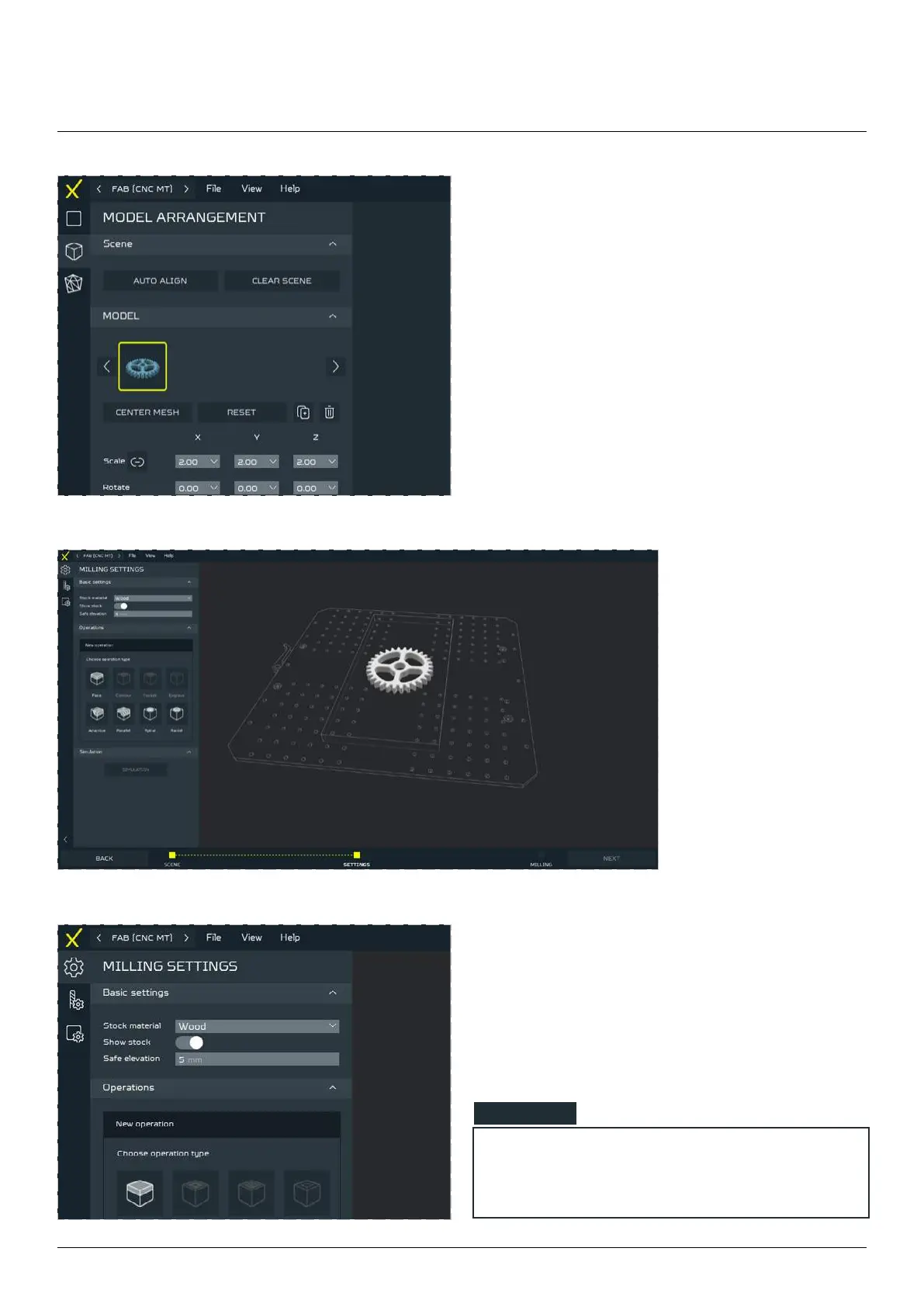
To be able to freely move, scale and rotate the
model on the table preview go to MODEL AR-
RANGEMENT menu.
Choose Stock material from the drop down list and
set Safe elevation for travel - remember to take
the material surface.
Click NEXT when ready.
You will be automatical-
ly moved to SETTINGS
tab.
NOTE
By pressing the SHOW STOCK parameter it
will turn ON the material visualization.



 To Next Page