EasyManua.ls Logo

Zmorph FAB - Page 122

Default Icon
169 pages
Print Icon
To Next Page IconTo Next Page
To Previous Page IconTo Previous Page
Loading...
Product Manual - ZMORPH FAB back to table of content
>>
122
CNC milling workow

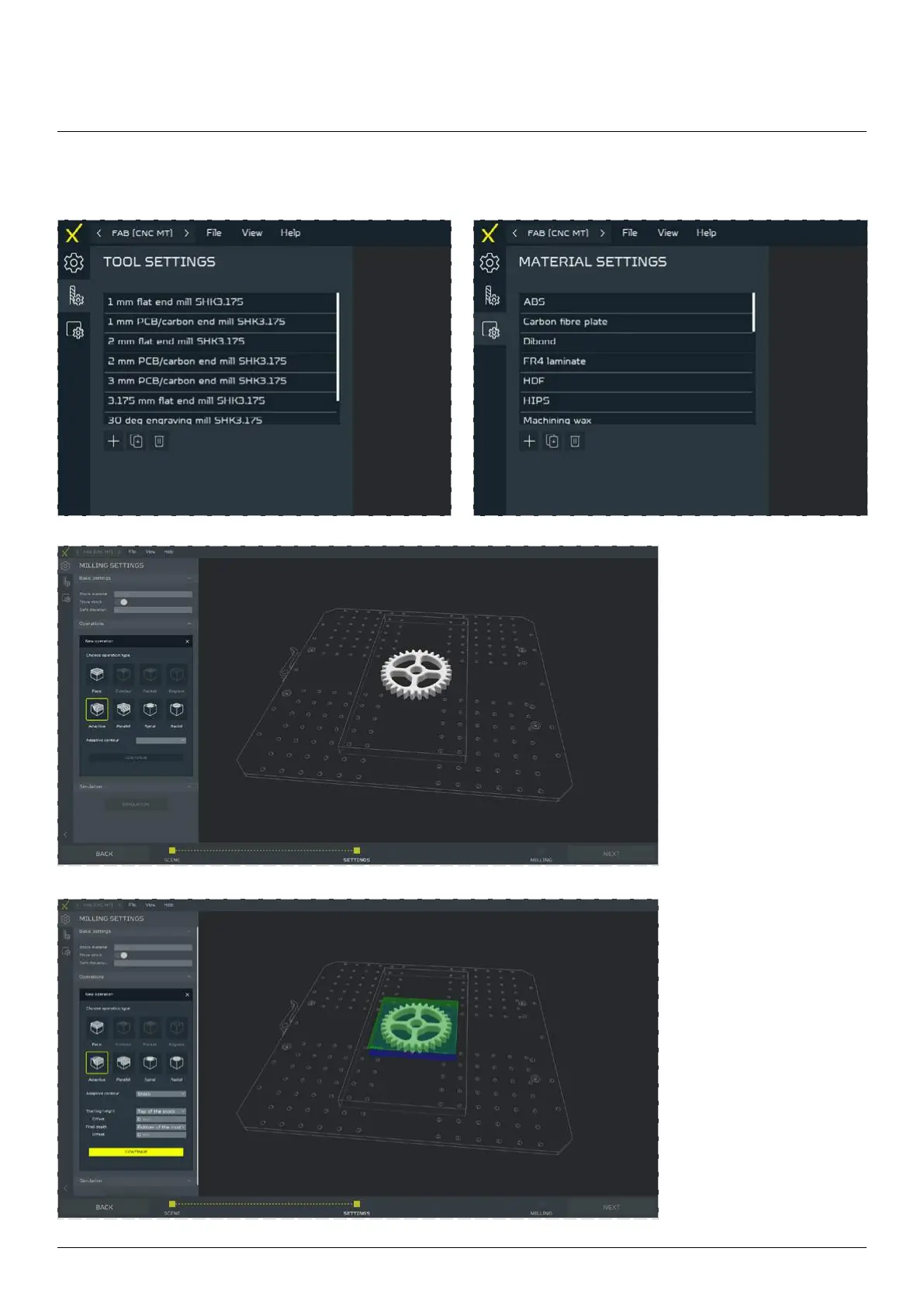
To start working with

the operation that you
would like to mill with.
Next choose a contour
from the drop list (or
depending on the oper-
ation press the SELECT
button to choose the
Surface/Center point) to
cut from it with the op-

press the CONTINUE
button.
Next, choose the
STARTING HEIGHT,
FINAL DEPTH and their

proceed further, press
the CONTINUE button.

Table of Contents

Other manuals for Zmorph FAB

Related product manuals