EasyManua.ls Logo

Zmorph FAB - Page 137

Default Icon
169 pages
Print Icon
To Next Page IconTo Next Page
To Previous Page IconTo Previous Page
Loading...
Product Manual - ZMORPH FAB back to table of content
>>
137
Laser workow
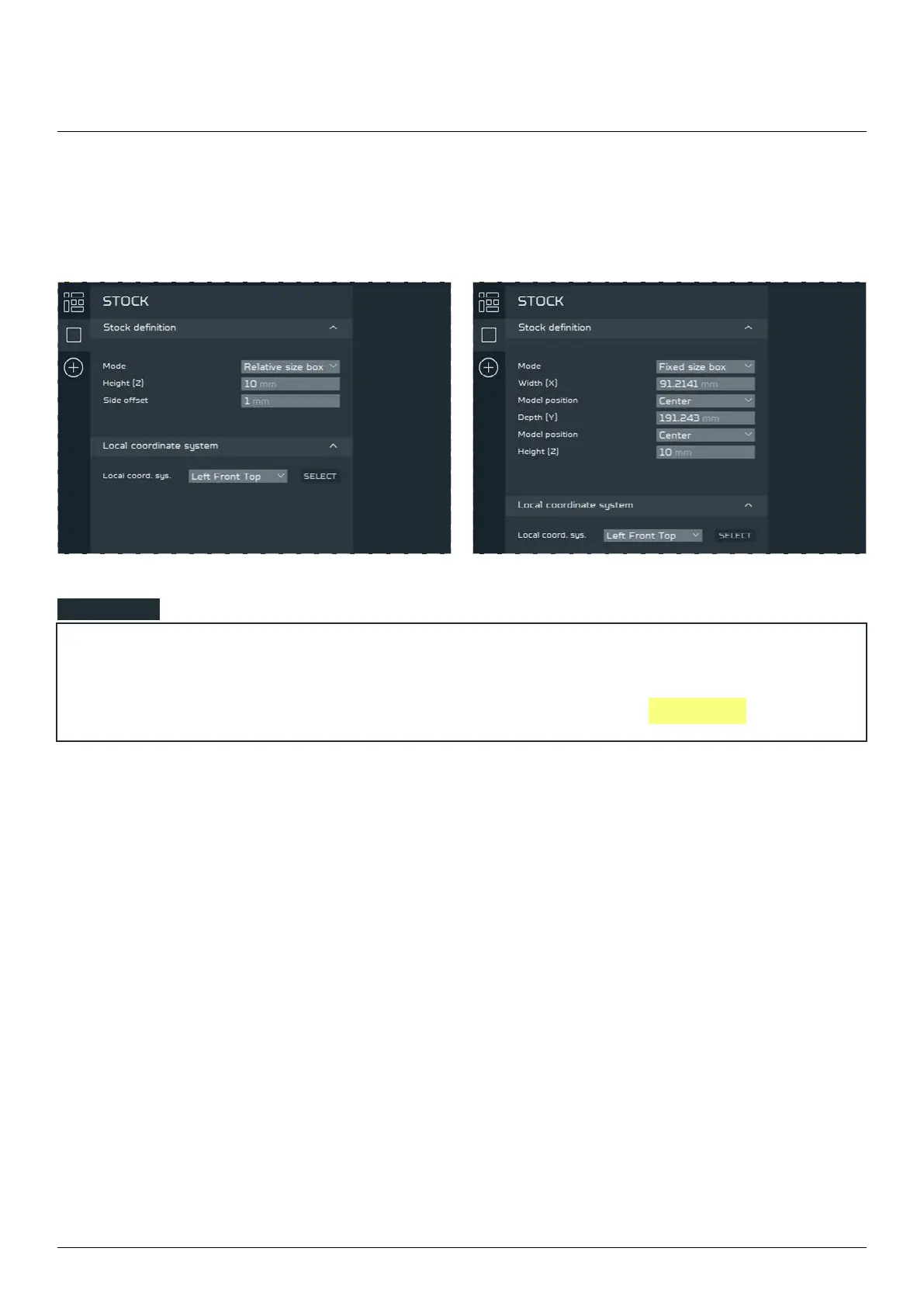
To set material dimensions manually to match the Raw material that would be used for milling, change
the MODE in the STOCK DEFINITION parameters from RELATIVE to FIXED
NOTE





Table of Contents

Other manuals for Zmorph FAB

Related product manuals